Service keys
Operator page
A service key lets a whole website act on behalf of every member. Treat it like a password.
This is how WordPress proves to FMS that it is really our website.
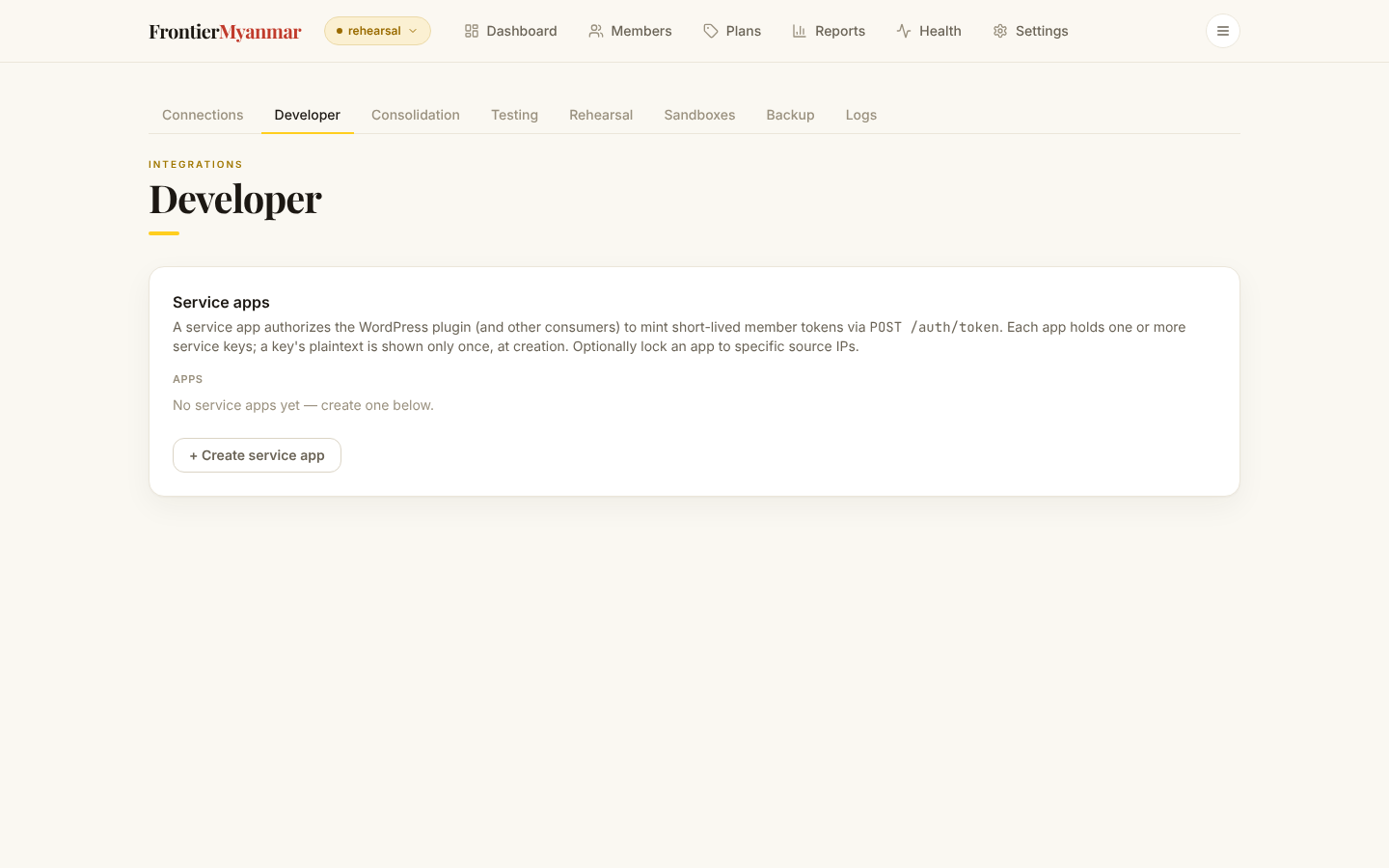
Create a key for WordPress
- Give the app a name that says where it runs (1). Optionally list the IP addresses allowed to use it, one per line (2). Leave the list empty to allow any address.
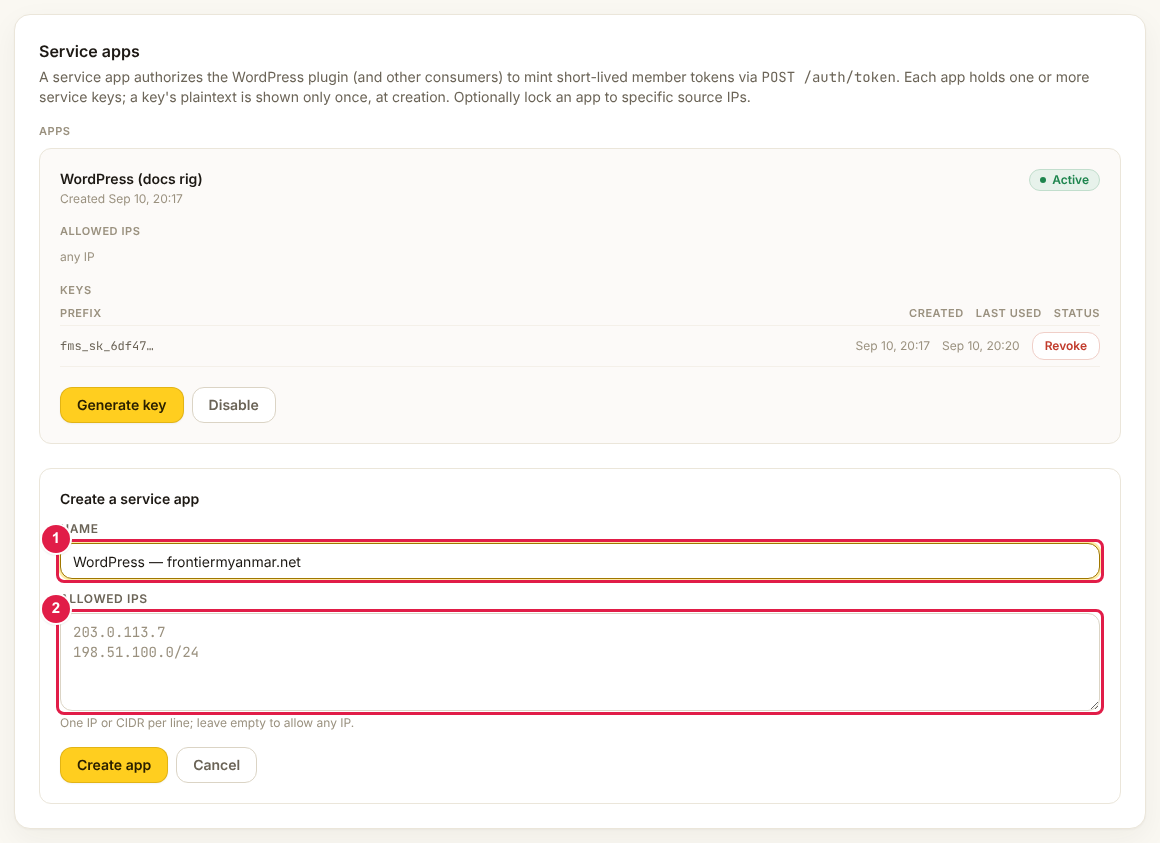
- Press create, then press generate key on the new app.
- Copy the key. It starts with
fms_sk_and is shown once and never again.
Paste it into WordPress at Connect to FMS.
The key is shown once
If you lose it, generate a new one and update WordPress. There is no way to read an existing key back.
Revoking a key
Revoke stops it working immediately. Anything using it breaks at once, so have the replacement ready before you revoke.
The IP allow-list
If you fill it in and get the address wrong, WordPress will report that FMS knows the key but refused the request. Either add the right address or clear the list.