Backup and restore
Operator page
Restoring replaces everything. There is no undo.
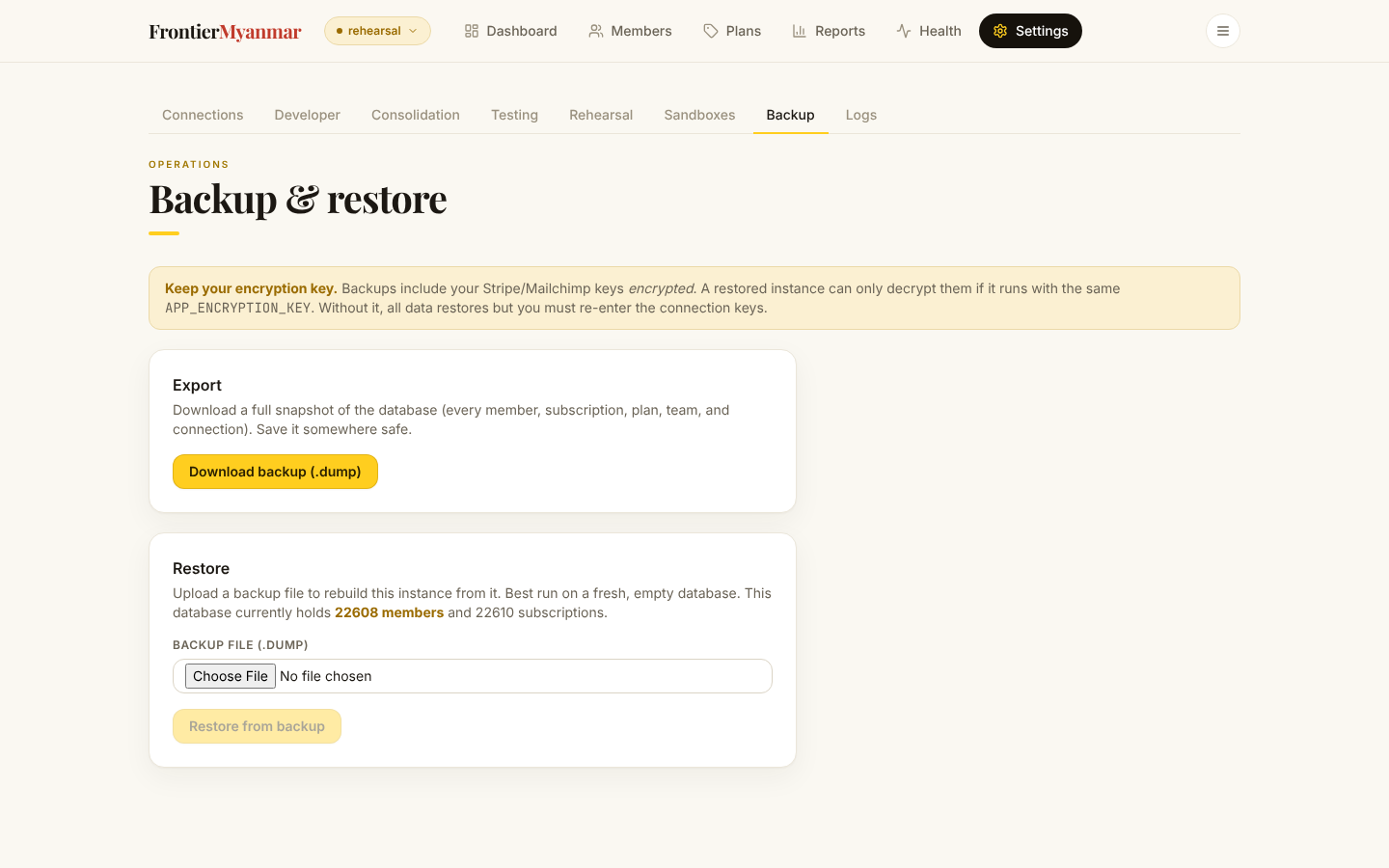
Export
Press Download backup. You get a single file containing the whole database.
Keep the encryption key with the backup
Stored Stripe and Mailchimp keys inside the backup are encrypted. Without the application's encryption key the backup restores, but every connection in it is unreadable. The key is not in the file.
Restore
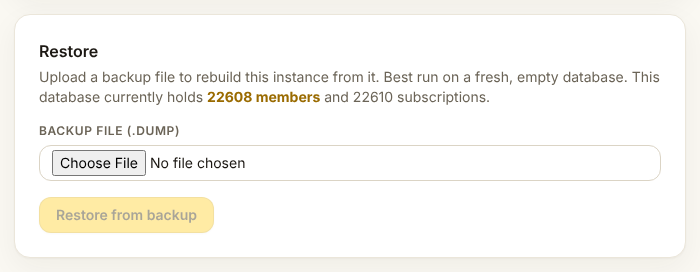
Choose the file and press restore. If the database already has data, FMS refuses and asks you to type REPLACE in full. That is the last thing standing between you and losing everything currently in the system.
The nightly backup
Production backs itself up every night to off-site storage and keeps a rolling set. The screen here is for one-off exports and for restoring. The nightly job, the retention rules and the quarterly restore drill are written up in ops/RUNBOOK.md.