Health
One screen that says whether FMS is working. It refreshes itself every fifteen seconds.
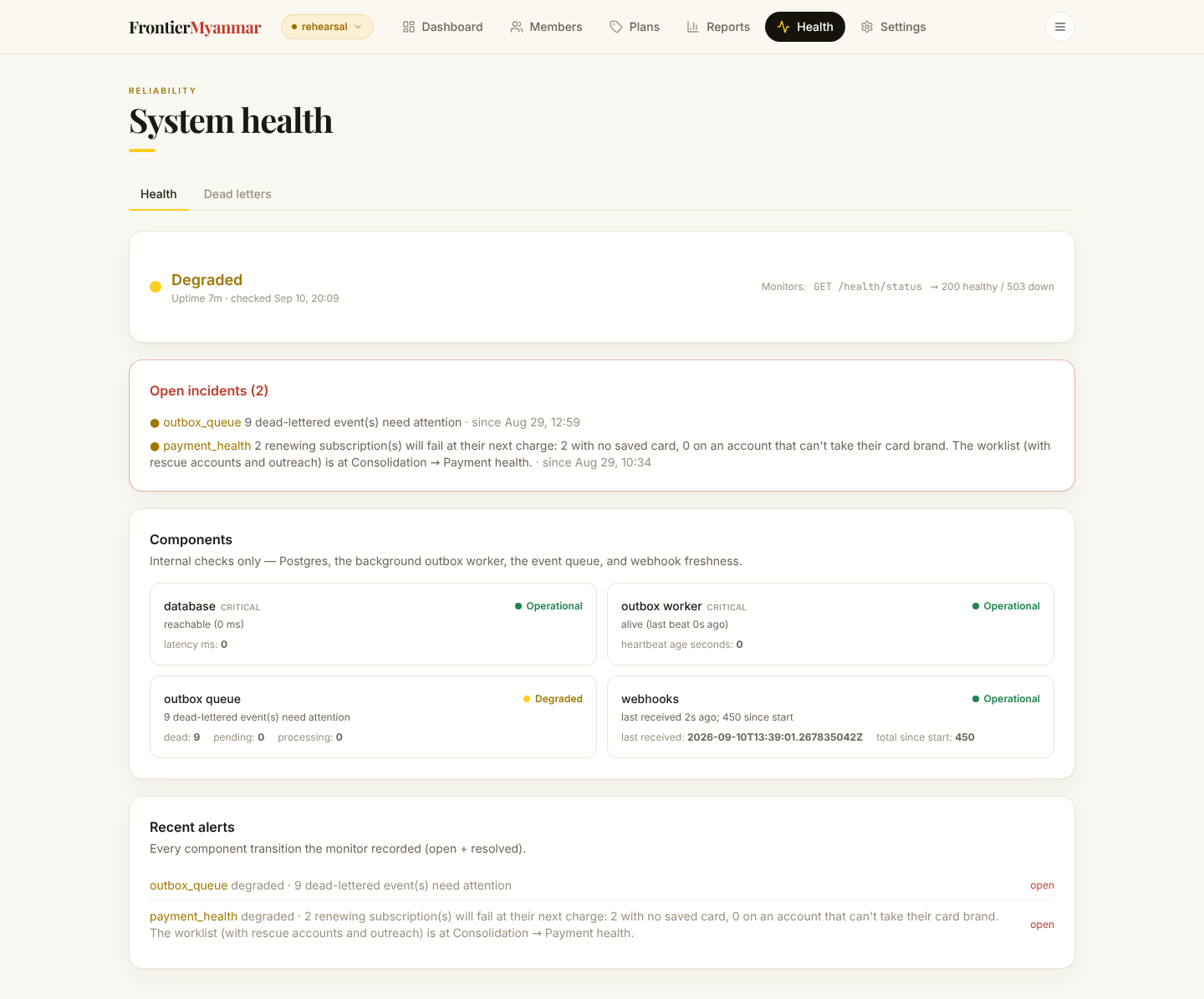
The four components
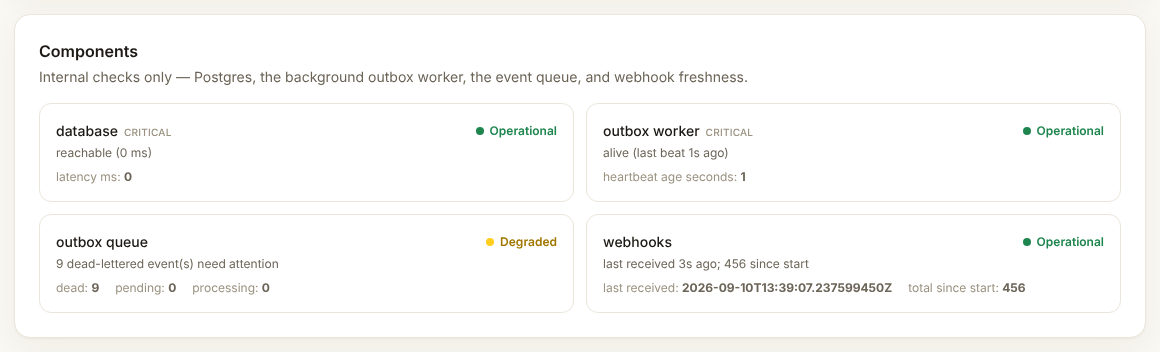
| Component | What red means |
|---|---|
| Database | FMS cannot reach its own storage. Nothing will work. Escalate immediately. |
| Outbox worker | Messages are queued but nothing is sending them. |
| Event queue | Work is piling up faster than it is being done. |
| Webhook freshness | Stripe has not told us anything for a while. Cancellations and renewals will look stale. |
Recent alerts
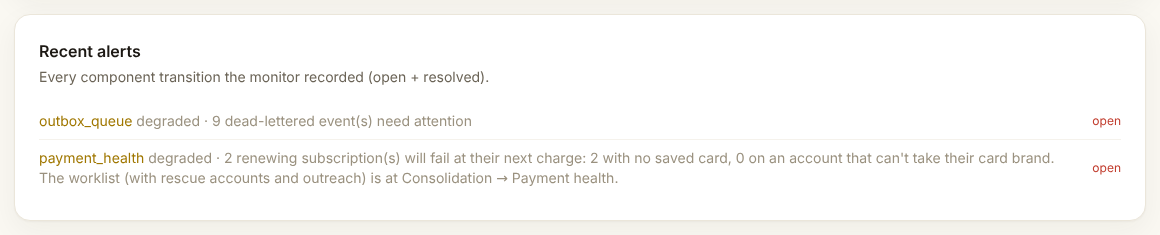
Most alerts clear themselves once the underlying problem passes. An alert that stays open needs a person.
What to do when something is red
- Wait two minutes and let it refresh. Brief blips are normal.
- If it is still red, open Dead letters and see whether messages are stuck.
- Tell Thomas what the component was and what the alert said.
Do not restart anything yourself.