Notes, login email and newsletters
Three small jobs that all live on the member's own page.
Leave a note
The notes log is append-only. Every note is stamped with your name and today's date, so it is the memory of why anything unusual was done.
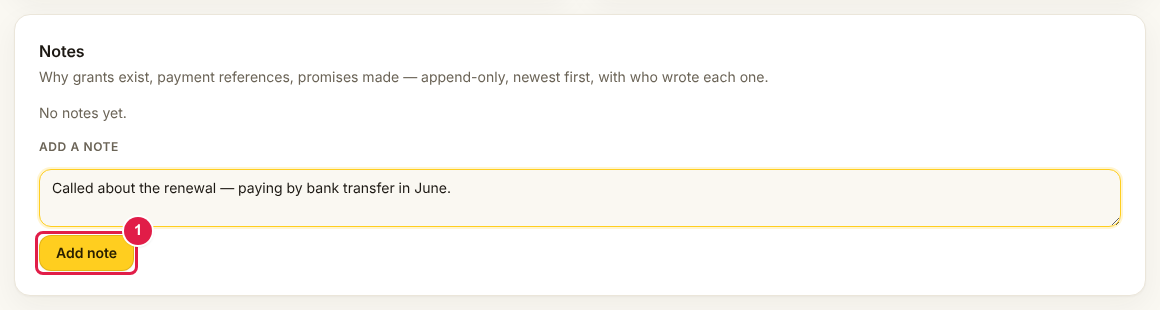
Write a note whenever you grant access, record a payment, change an email or do anything the next person would otherwise have to guess about.
Change the address someone signs in with
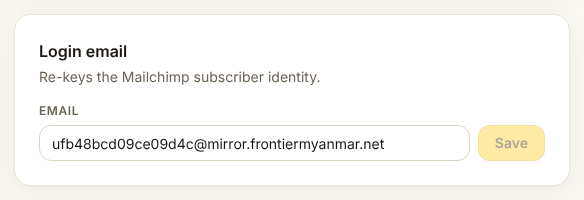
This changes how they sign in
Tell the member before you do it, otherwise their next sign-in fails and they will assume the site is broken. Leave a note with the old address.
Newsletters
The switches decide which newsletters this member receives.
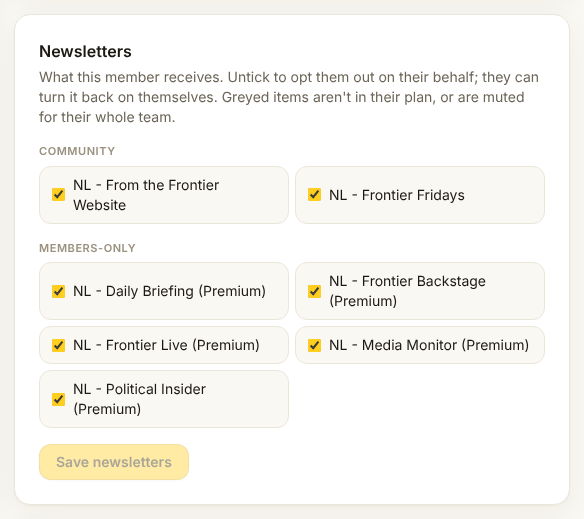
Switching one off is always respected. Nothing FMS does later will switch it back on. A newsletter can also be off because their plan does not include it, or because their whole team muted it, and the screen says which. What each tier includes is on Newsletters by tier.
Send newsletters to a different inbox
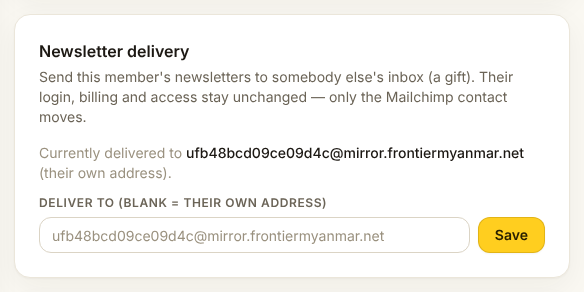
Some members want their newsletters at a different address from the one they sign in with.