Dead letters
Operator page
Developers and owners only, reading included. Health and this tab are hidden from other roles. Replaying is safe to repeat, but work out why something failed before you replay it in bulk.
FMS never talks to Stripe or Mailchimp directly in the moment. It writes the message down first, then a worker delivers it, retrying with growing gaps. A message that keeps failing ends up here.
Each new dead letter sends a staff alert, and Health shows Event queue in red while a payment-side one is waiting here. Newsletter-sync dead letters show amber instead.
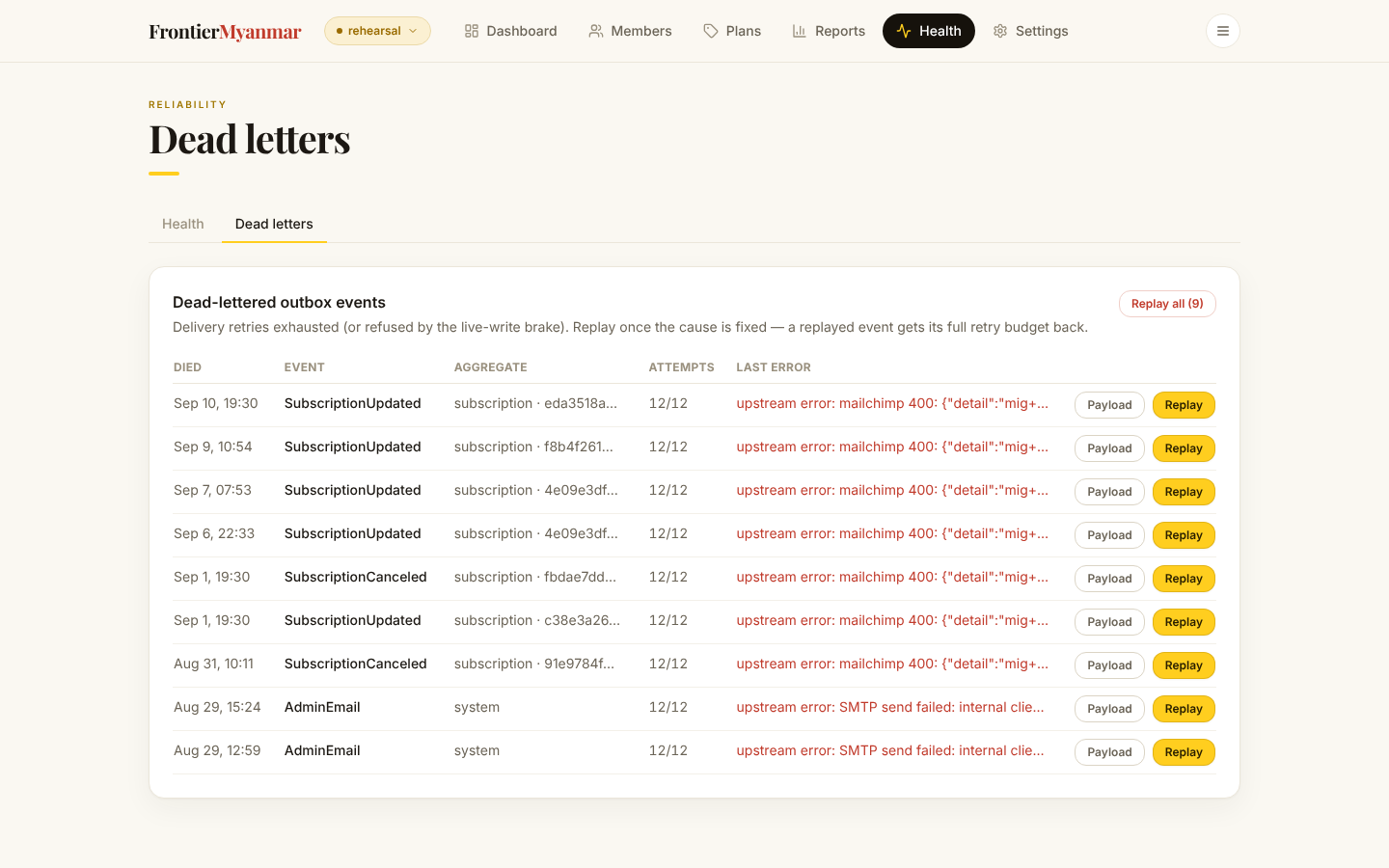

Ten show a page. Use the arrows and page numbers under the list, or choose more under Rows per page. Turning the page closes an open payload. Replay all still replays every dead letter, not only the page on screen.
Reading one
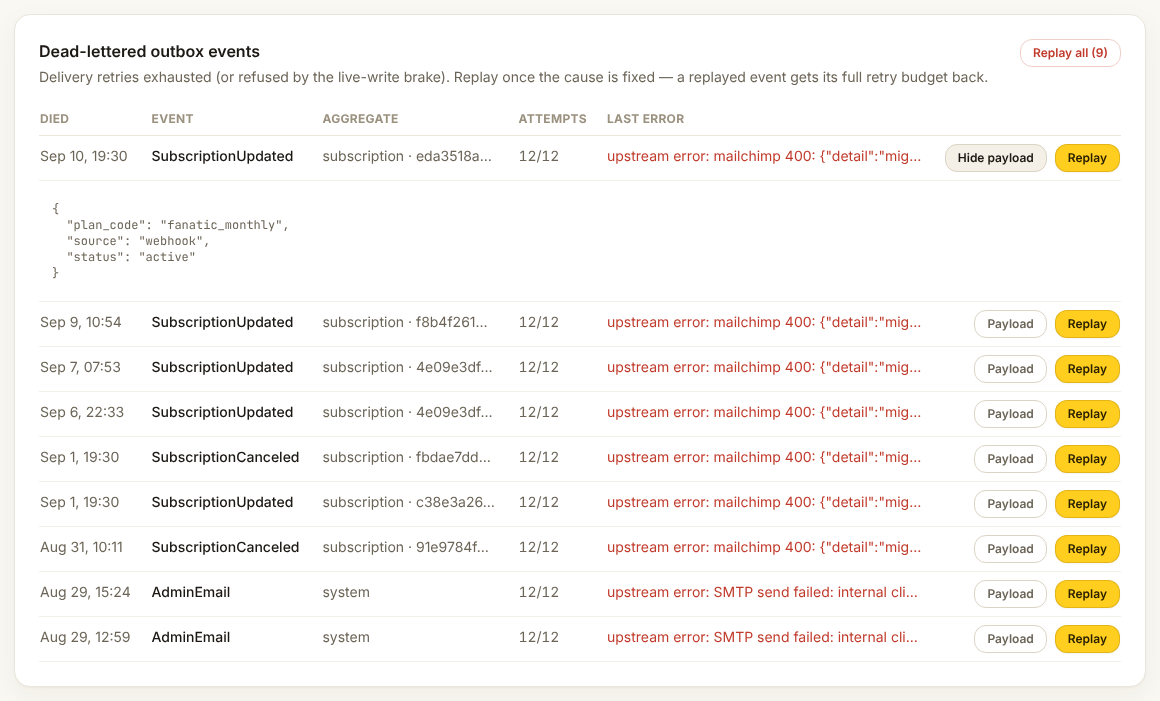
The last error usually says it plainly: a key was rejected, an address was invalid, a service was down.
Replaying
Replay on a row puts one message back in the queue. Replay all does the lot. Replaying is safe to repeat: the receiving system will not act on the same message twice.
Replay once the cause is fixed. Replaying into a still-broken connection just refills the list.
A replay can run days or weeks after the problem it describes. For a failed renewal (PaymentFailedReroute), FMS asks Stripe again before doing anything. If the member has paid since, the replay does nothing: no cancel, no move to another Stripe account, no grace period. Each of these messages also shows the Stripe event it came from and when Stripe sent it (messages queued from 6 October on).
A PaymentFailedReroute that says "waiting for subscription … to be adopted"
Stripe reported a failed renewal for a subscription FMS had not linked to a member yet. FMS waited for the link and gave up. Open that account from Connections and run its import. Then press Replay.
Replay received Stripe events
FMS keeps every event Stripe sends it for 90 days. The card under the list replays them. Thomas uses it when FMS learns to handle a new kind of Stripe event, so the ones that arrived earlier count too. Developers and owners only.
- Choose the Event type. Not handled means FMS ignores that type today.
- Set Received since.
- Press Count events. Nothing changes yet. Only events not replayed before are counted.
- Press Replay with the number on it.
One run replays at most 5,000 events, oldest first. If more are waiting, the result says so; press Count the next batch and replay again. Each event is replayed once.
Replaying never gives a member extra days. A "please confirm your payment" event opens the confirmation window only if that payment is still waiting. A replayed "payment failed" event acts only if Stripe says that invoice is still unpaid.
When to escalate
- The list is growing while you watch
- The same error repeats across many different members
- Anything mentioning a key being rejected
Tell Thomas the error text and roughly how many rows share it.