Consolidation
Operator page
Some fixes here change what members are charged or which newsletters they receive. Every fix shows a preview first. Read it.
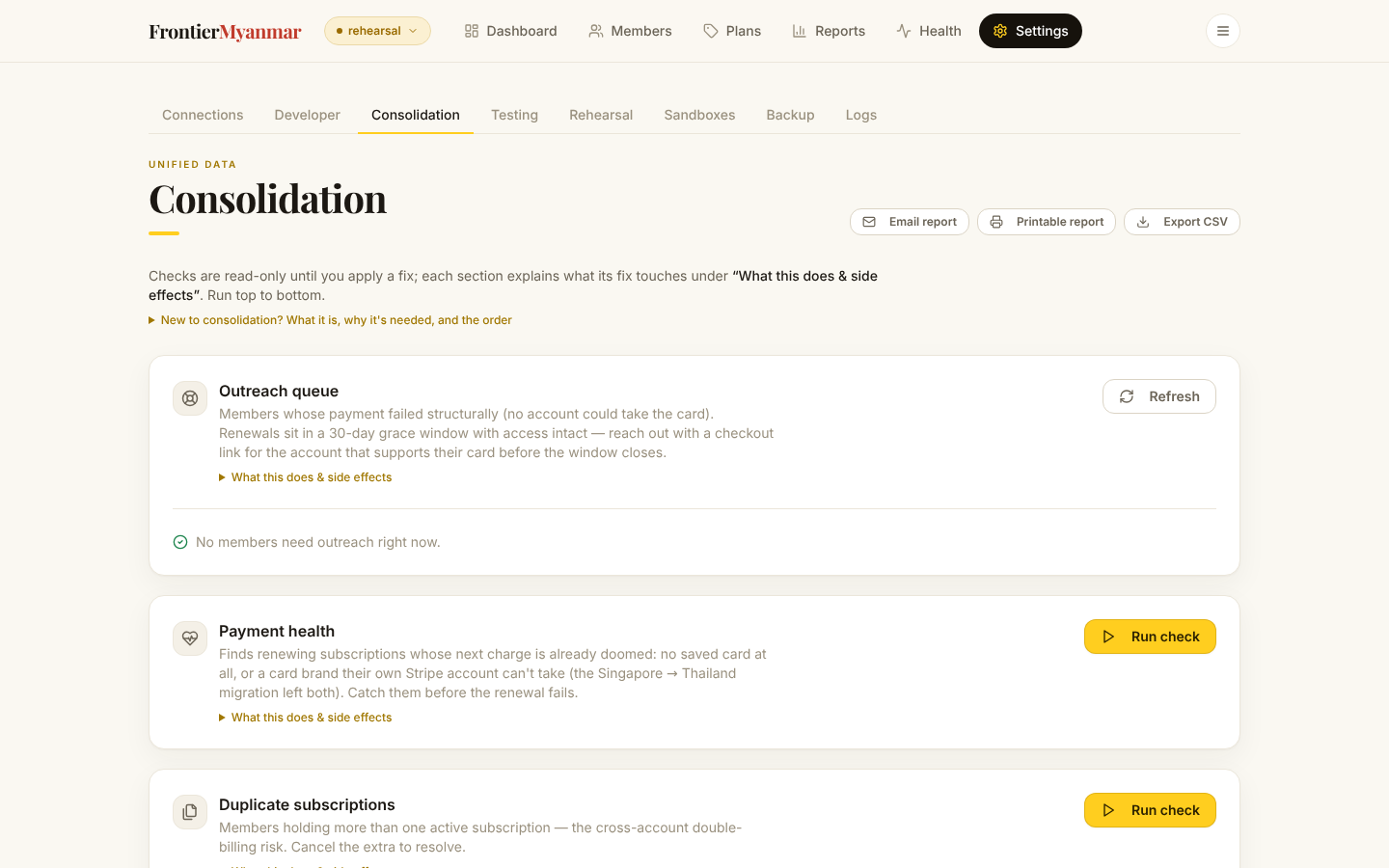
FMS keeps its own copy of every membership and treats it as the truth for access, dashboards and newsletter tags. Webhooks and background workers keep that copy current, but the outside world still drifts: a webhook gets lost, somebody edits a subscription in the Stripe dashboard, an import brings in history FMS never saw, or a tag is changed by hand in Mailchimp.
Consolidation measures that drift and helps you repair it. Nothing is fetched until you ask, and nothing is changed until you press a fix button after seeing its preview.
How every check works
- Press Run check. This reads. It changes nothing anywhere.
- Read what it found. A check with nothing to report is finished.
- Where a fix exists, press Preview. You get the exact list of what would change.
- If the list is right, apply it. Then press Re-check to confirm the rows cleared.
Fix buttons are greyed out on live accounts
Anything that would write to a live Stripe account is refused until the system has been armed for it. Local fixes still work. Ask Thomas before arming anything.
Run them top to bottom
The order matters because fixing one thing can clear findings in a later check. The screen carries the same list under New to consolidation? at the top.
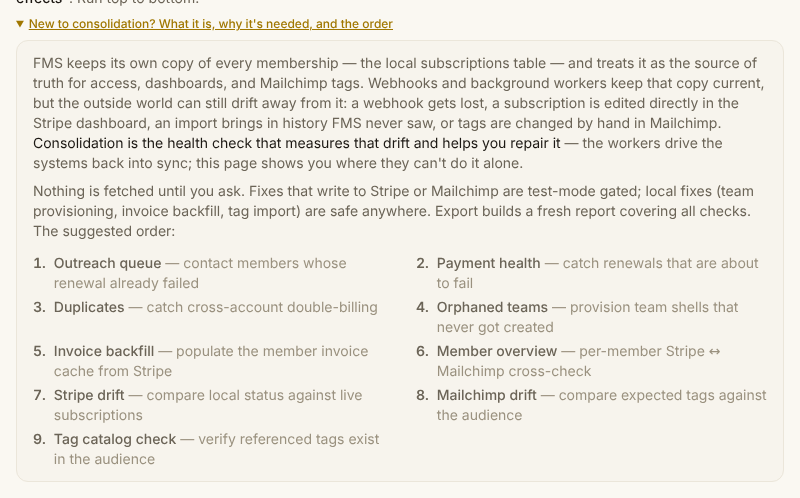
| # | Check | Why it comes here |
|---|---|---|
| 1 | Outreach queue | Members whose renewal already failed. People first. |
| 2 | Payment health | Renewals about to fail. Catch them before they do. |
| 3 | Duplicate subscriptions | Someone paying twice. |
| 4 | Team subscriptions without a team | Team plans with no roster to manage. |
| 5 | Invoice history backfill | Fill the member invoice history from Stripe. |
| 6 | Stripe ↔ Mailchimp | Per-member overview. Read-only. Points at 3, 7 and 9. |
| 7 | System ↔ Stripe | Local status against live Stripe, both directions. |
| 8 | Plan prices ↔ Stripe | A local price that disagrees with the mapped Stripe price. |
| 9 | System ↔ Mailchimp | Entitled tags against actual tags. |
| 10 | Mailchimp tag check | Tag names that do not exist in the audience. |
1. Outreach queue
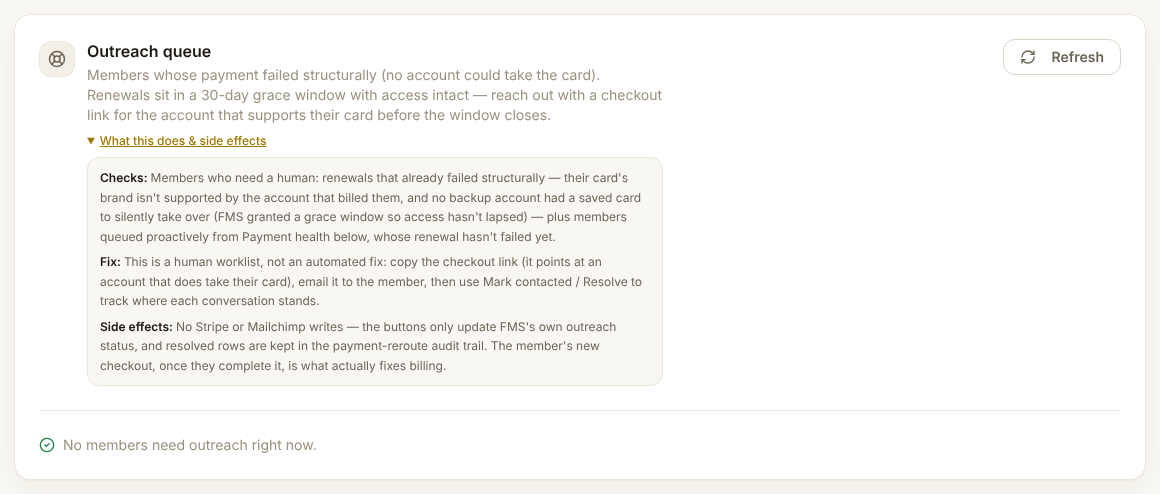
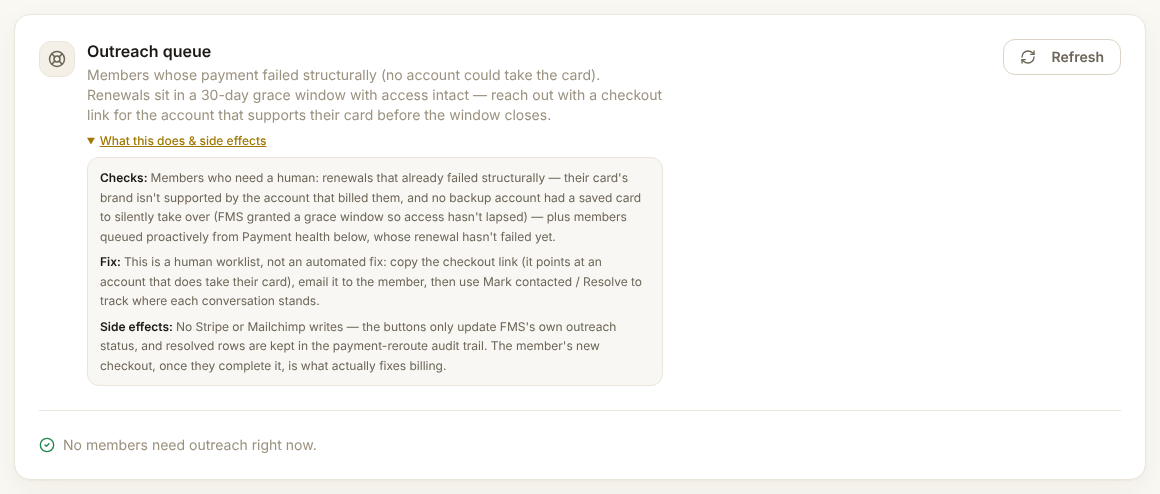
Finds members who need a human. Their renewal already failed because their card's brand is not supported by the account that billed them, and no backup account had a saved card to take over silently. FMS gave them a grace window, so access has not lapsed yet. Members queued from Payment health appear here too.
The fix is you. Copy the checkout link, which points at an account that does take their card, and email it to the member. Then press Mark contacted and later Resolve to track where each conversation stands.
Touches: nothing in Stripe or Mailchimp. The buttons update FMS's own outreach status only. The member's new checkout is what actually repairs their billing.
2. Payment health
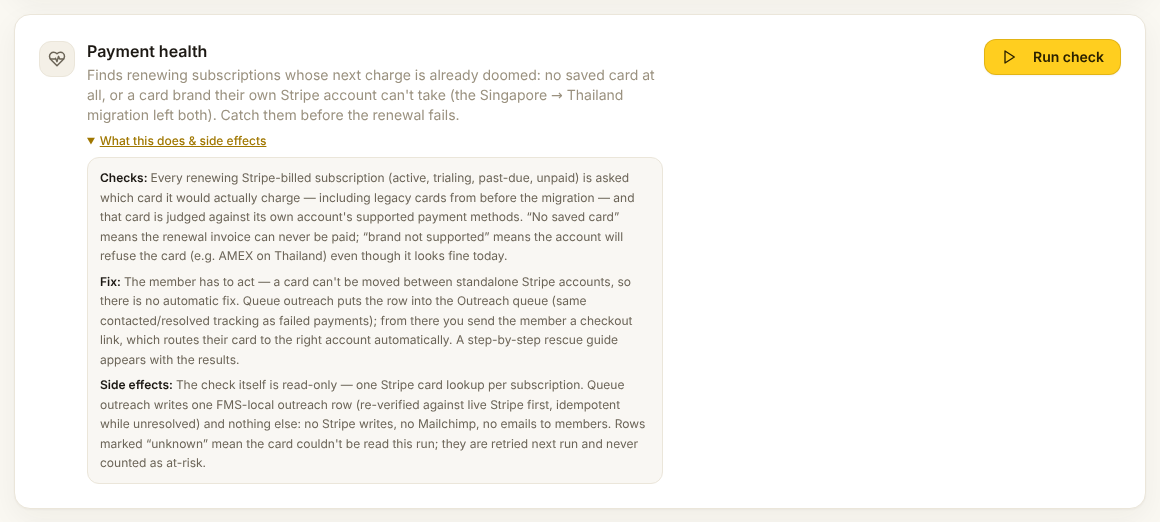
Finds renewing subscriptions whose next charge is already doomed. Every renewing Stripe subscription is asked which card it would charge, and that card is judged against its own account's supported brands. No saved card means the invoice can never be paid. Brand not supported means the account will refuse the card even though it looks fine today, for example American Express on Thailand.
The fix is the member's. A card cannot be moved between Stripe accounts, so there is no automatic repair. Queue outreach puts the row into the Outreach queue above, and a rescue guide appears with the results.
Touches: the check does one card lookup per subscription and writes nothing. Queuing writes one local outreach row. Rows marked unknown could not be read this run and are retried next time. They never count as at-risk.
3. Duplicate subscriptions
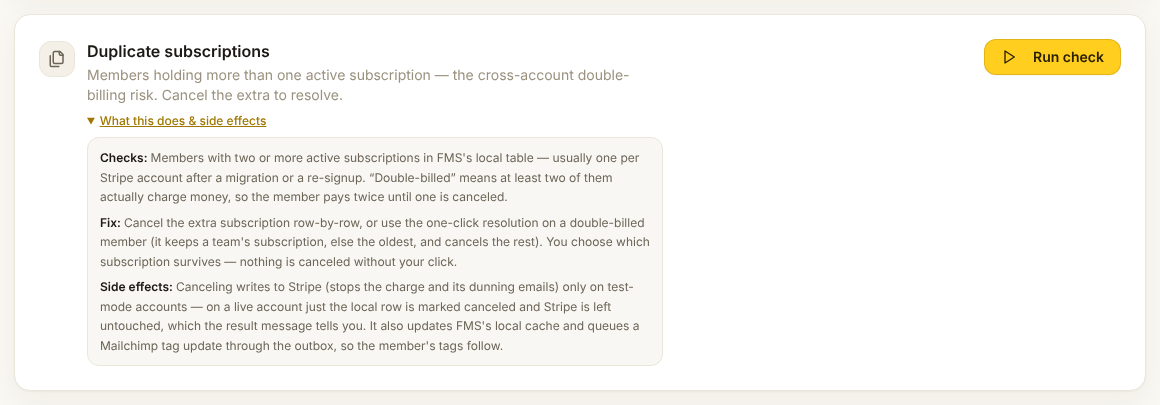
Finds members with two or more active subscriptions, usually one per Stripe account after a migration or a re-signup. Double-billed means at least two of them actually charge money.
Fix: cancel the extra row by row, or use the one-click resolution on a double-billed member. It keeps a team's subscription, otherwise the oldest, and cancels the rest. You choose which one survives. Nothing is cancelled without your click.
Touches: cancelling writes to Stripe, stopping the charge and its reminder emails, on test-mode accounts only. On a live account only the local row is marked cancelled and the message tells you so. A Mailchimp tag update is queued so the member's newsletters follow.
Moves money
Cancelling the wrong one stops a legitimate subscription. Read both rows before you choose.
4. Team subscriptions without a team
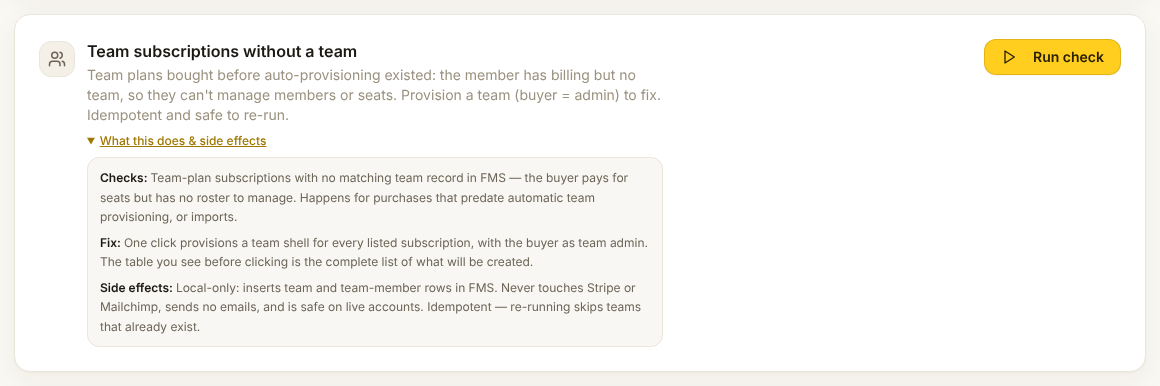
Finds team-plan subscriptions with no team record. The buyer is paying for seats but has no roster to manage. Happens with purchases from before automatic team creation, or imports.
Fix: one click creates a team shell for every listed subscription with the buyer as admin. The table you see is the complete list of what will be created.
Touches: FMS only. No Stripe, no Mailchimp, no emails. Safe on live accounts, safe to re-run. Teams that already exist are skipped.
5. Invoice history backfill
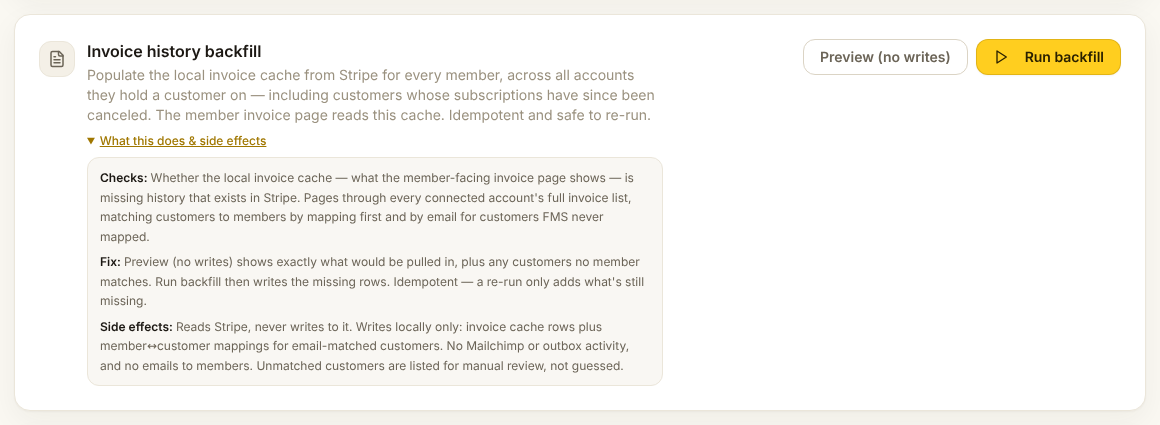
Finds invoice history that exists in Stripe but not in the local cache that the member-facing invoice page reads. It pages through every account's invoice list, matching customers to members by mapping first, then by email.
Fix: Preview shows what would be pulled in and which customers match nobody. Run backfill writes the missing rows. Re-running only adds what is still missing.
Touches: reads Stripe, never writes to it. Locally it adds invoice rows and member-to-customer mappings for email matches. Unmatched customers are listed for you, not guessed.
6. Stripe ↔ Mailchimp
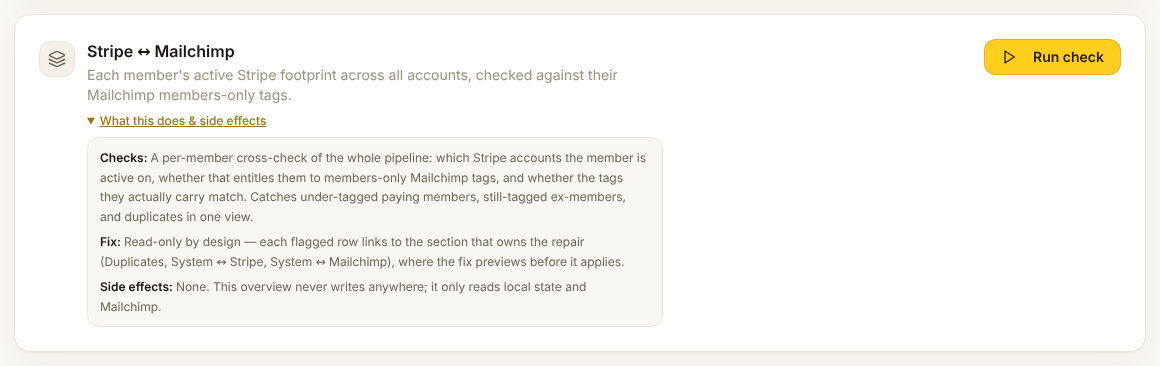
Shows each member's whole pipeline in one row: which Stripe accounts they are active on, whether that entitles them to members-only tags, and whether the tags they actually carry match. Under-tagged paying members, still-tagged ex-members and duplicates all show up here.
No fix here, on purpose. Each flagged row links to the section that owns the repair: Duplicates, System ↔ Stripe or System ↔ Mailchimp.
Touches: nothing. It reads local state and Mailchimp.
7. System ↔ Stripe
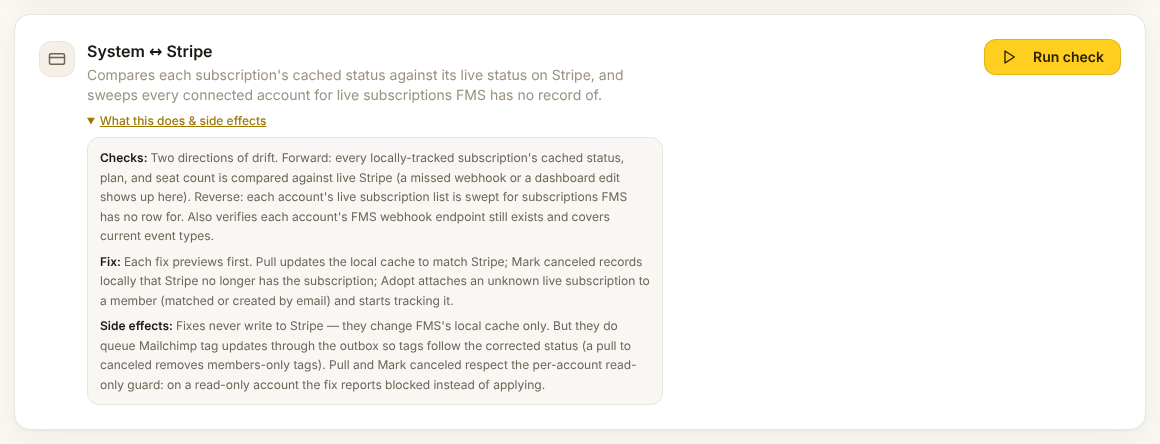
Finds drift in both directions. Forward: every locally tracked subscription's status, plan and seat count compared against live Stripe. A missed webhook or a dashboard edit shows up here. Reverse: every account swept for live subscriptions FMS has no row for. It also confirms each account's webhook still exists and covers the current event types.
Fixes, each with a preview:
| Button | What it does |
|---|---|
| Pull | Updates the local cache to match Stripe. |
| Mark canceled | Records locally that Stripe no longer has the subscription. |
| Adopt | Attaches an unknown live subscription to a member, matched or created by email, and starts tracking it. |
Touches: never Stripe. Only FMS's local cache. Mailchimp tag updates are queued so tags follow the corrected status. A pull to cancelled removes members-only tags. On a read-only account the fix reports blocked instead of applying.
8. Plan prices ↔ Stripe
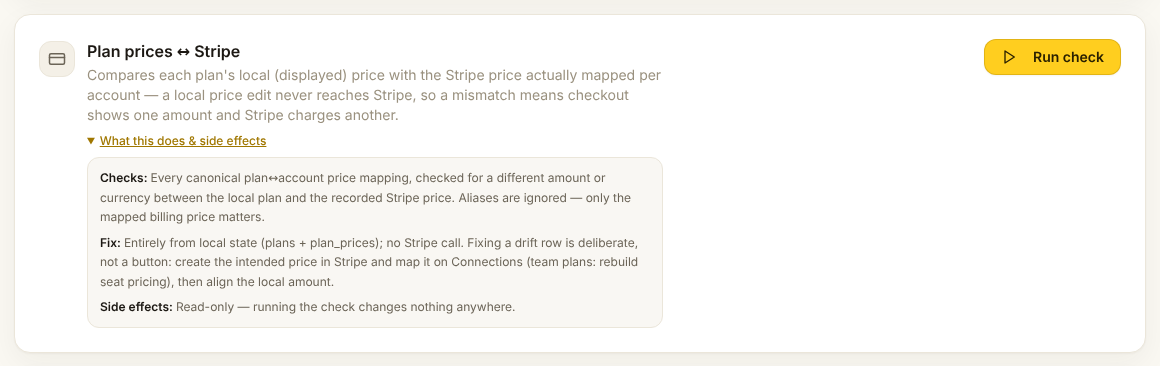
Finds plans whose local price differs from the Stripe price actually mapped for an account. A local price edit never reaches Stripe on its own, so a mismatch means checkout shows one amount and Stripe charges another.
Fix is deliberate, not a button. Create the intended price in Stripe, map it on Connections, rebuild seat pricing for team plans, then align the local amount.
Touches: nothing. Entirely local, no Stripe call.
9. System ↔ Mailchimp
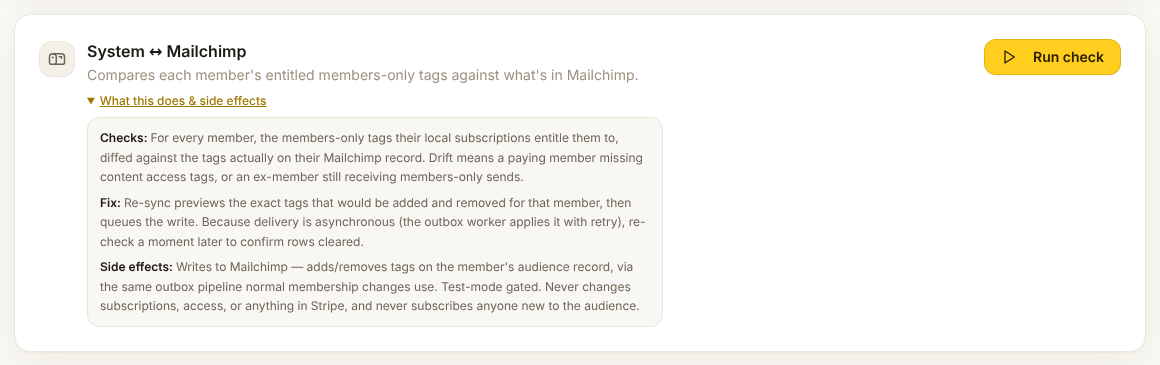
Finds, for every member, the members-only tags their subscriptions entitle them to, compared with the tags on their Mailchimp record. Drift means a paying member missing access tags, or an ex-member still receiving members-only sends.
Fix: Re-sync previews the exact tags that would be added and removed, then queues the write. Delivery is asynchronous, so re-check a moment later to confirm the rows cleared.
Touches: Mailchimp. Adds and removes tags through the same queue normal membership changes use. Test-mode gated. Never changes subscriptions or access, never touches Stripe, never subscribes anyone new.
10. Mailchimp tag check
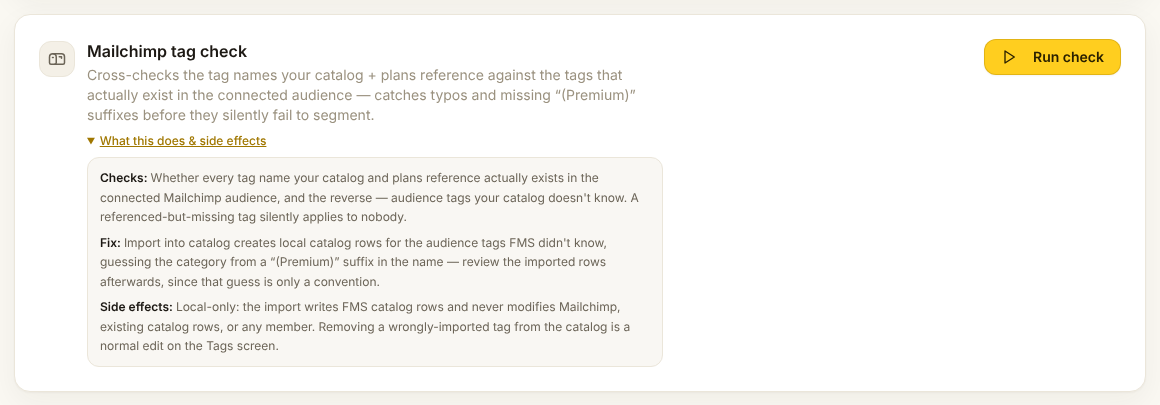
Finds tag names your plans reference that do not exist in the audience, and the reverse, audience tags your catalog does not know. A referenced-but-missing tag silently applies to nobody, so a typo here means a whole tier gets no newsletters.
Fix: Import into catalog creates local catalog rows for the audience tags FMS did not know, guessing the category from a (Premium) suffix. Review the imported rows afterwards, since that guess is only a convention.
Touches: FMS catalog rows only. Never Mailchimp, never existing rows, never a member.
Sharing what you found
The header has Email report, Printable report and Export CSV. Each builds a fresh report covering all ten checks. The printable one opens in a new tab and saves as a PDF.
Check it worked
- Every check re-run after its fix reports nothing, or only rows you chose to leave
- No new rows in Dead letters a few minutes later
- Members you touched have a note explaining why