Cancel or refund
Cancelling and refunding are two different things, and only one of them happens in FMS.
Cancelling a membership
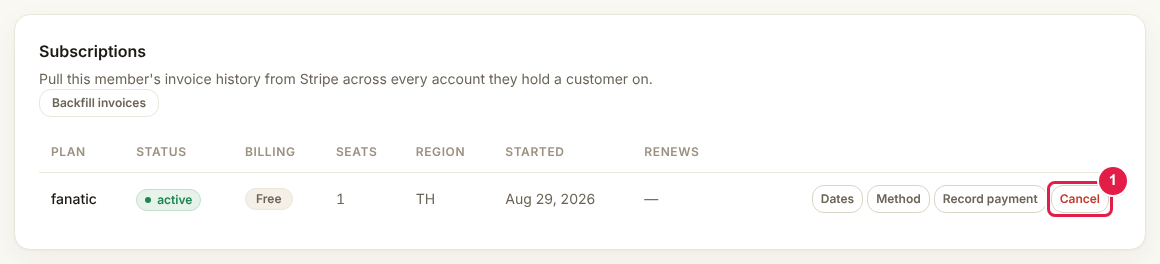
Press Cancel and confirm. FMS cancels the subscription in the right Stripe account and updates the record. If Stripe cannot be reached, the cancel is queued and retried rather than half-done, and the screen tells you so.
It stops future payments only
Cancelling does not return money already taken. That is a refund, and it is a separate job.
Refunding
FMS does not issue refunds. Do it in Stripe.
- On the member's page, read which Stripe account the subscription belongs to. Thailand and Singapore are separate logins.
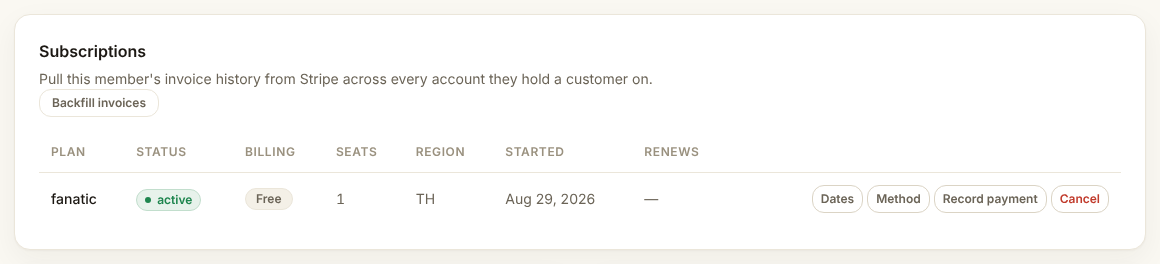
- Sign in to that Stripe account, find the payment, and refund it there.
- Come back to FMS. Within a minute or so the record catches up on its own.
Check it worked
- The subscription status is canceled on the member's page
- The refund shows in Stripe
- Nothing new appears in Dead letters
If the status did not change
FMS learns about refunds from Stripe's notifications. If nothing changed after a few minutes, check Health for a stale-webhook warning, then Dead letters. Leave a note on the member either way.