Find a member
You'll need
The member's email address, or part of it.
- Open Members. The search box (1) is at the top, New member (2) at the right, and the Teams tab (3) beside it.
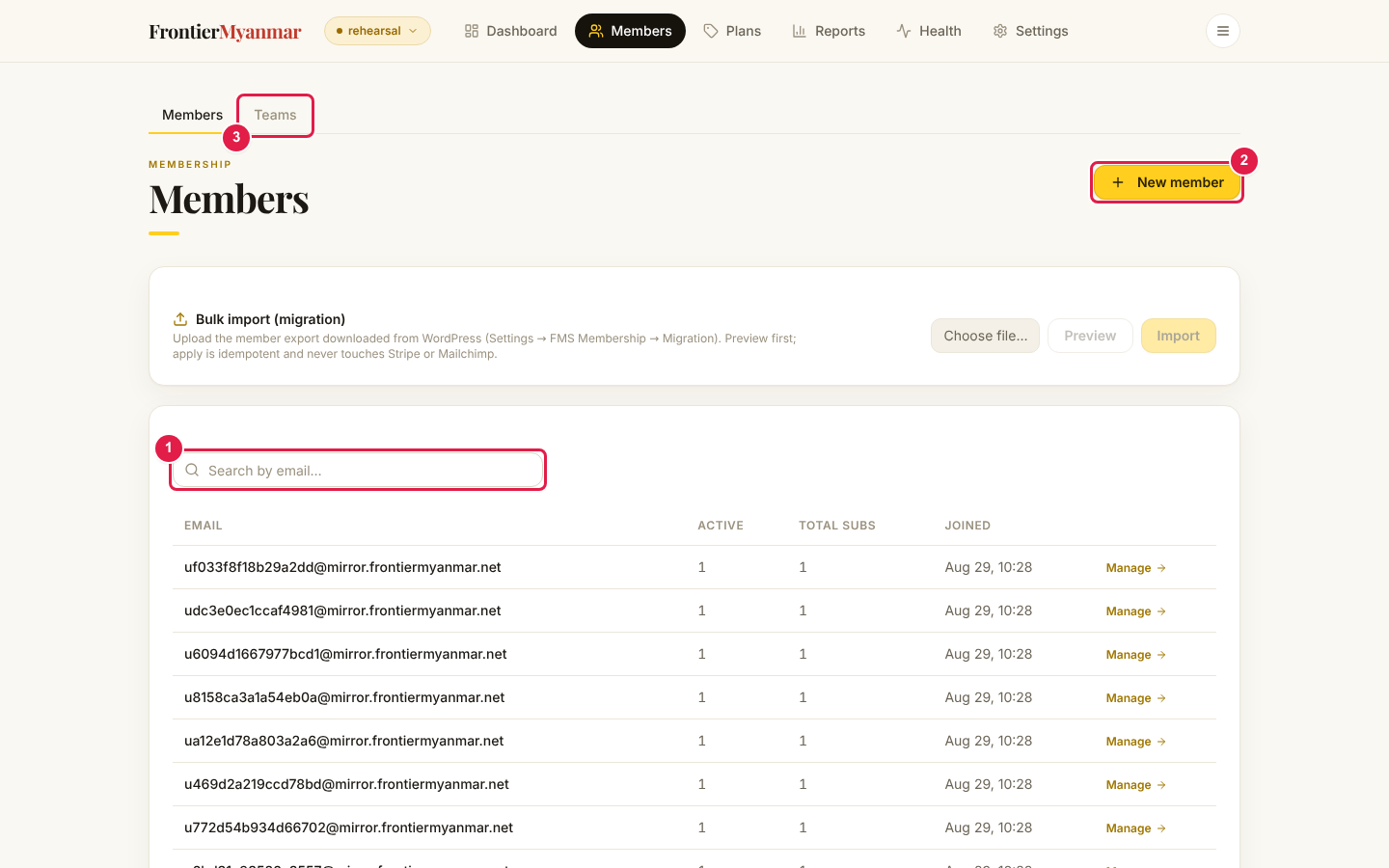
- Type any part of the email address. The list filters as you type.

- Click Manage on the row to open that person's page.
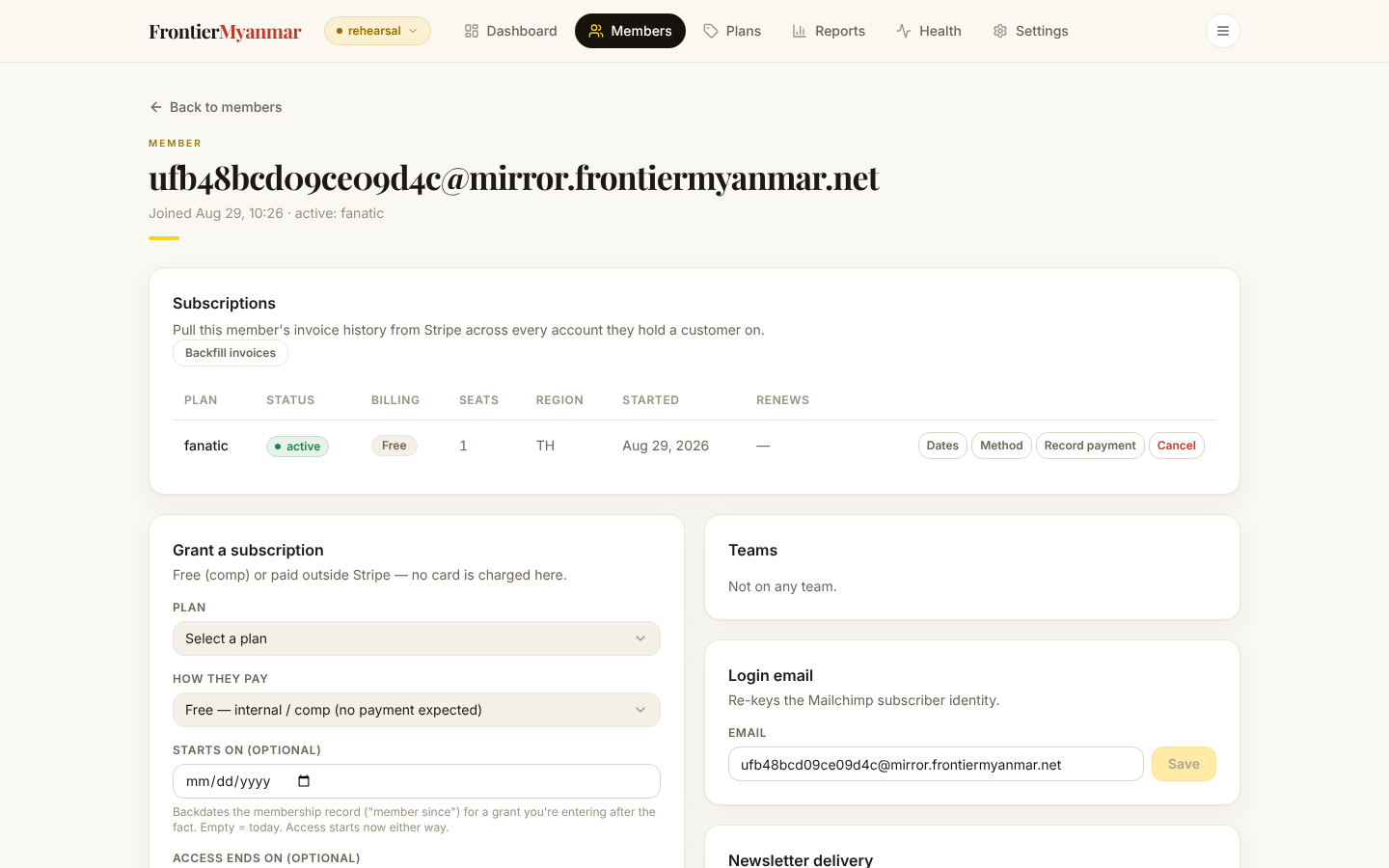
Reading the member page
Everything about one person sits on this page: their memberships, their teams, the address they sign in with, their newsletters, and a notes log.
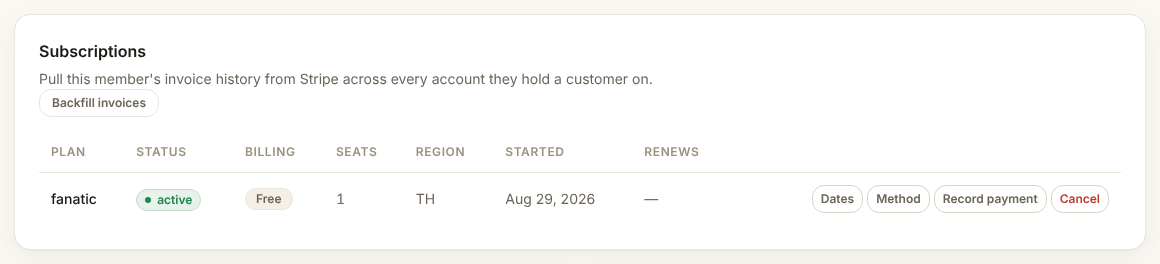
Searching finds the login address only
If someone changed their email, search the new one. The old address is in the notes log if whoever changed it wrote it down.