Donations
A donation is a one-off payment that buys nothing. Anyone can make one, including people who are not members and are not signed in.
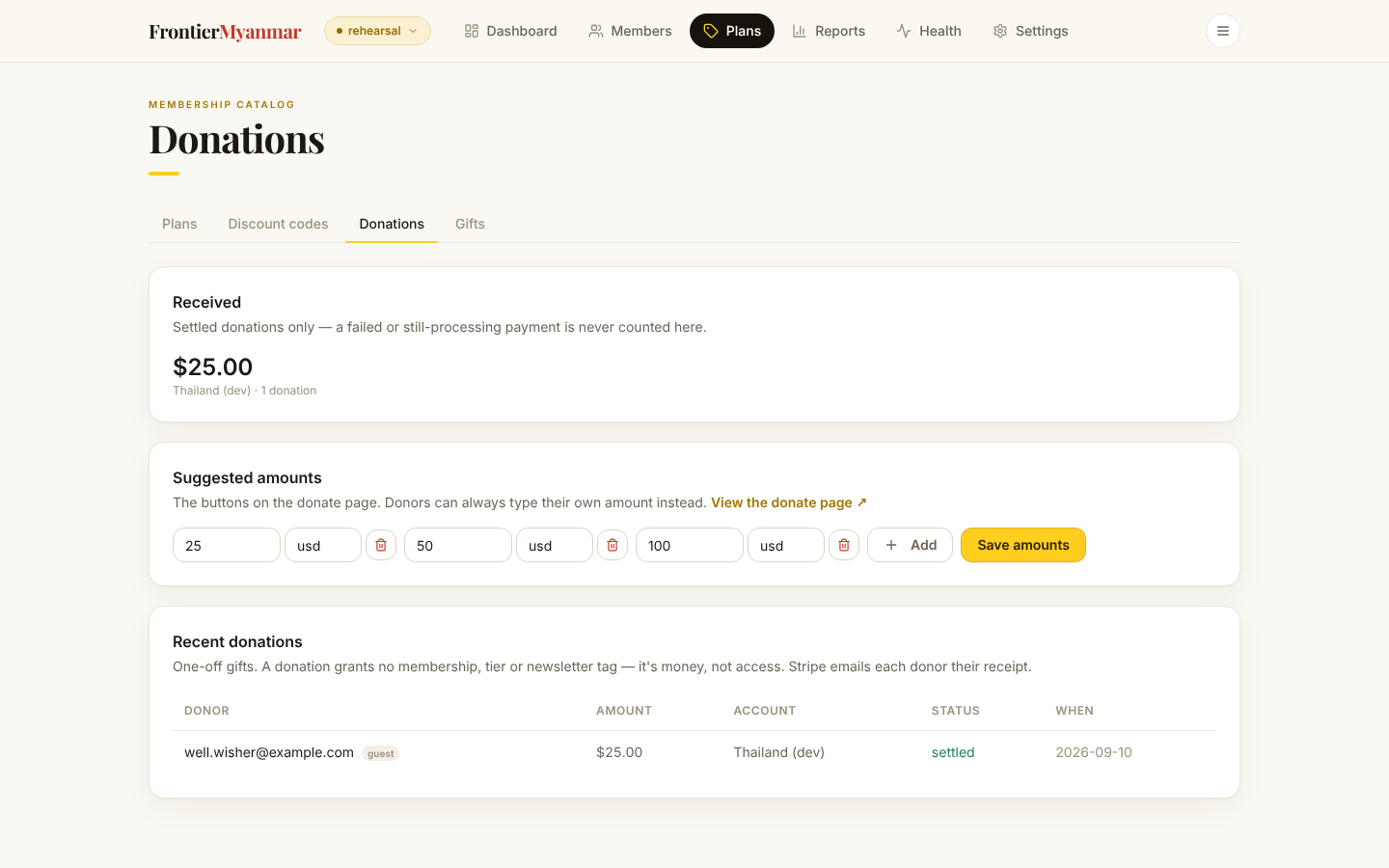
Totals
Received shows what has come in, split by Stripe account and currency. Currencies are never added together. Only settled payments count, so a donation still being confirmed by the bank is not in the total yet.

Change the suggested amounts
Edit the numbers, add or remove one, then press Save amounts. The public donate page picks the change up immediately. There is a link on the card to open that page and check.
Keep three or four. A long row of buttons makes people hesitate.
Saving the amounts needs the Finance, Membership manager or Owner role.
Recent donations

A guest badge means the donor is not a member. That is normal and needs no action.
Ten rows show a page. Use the arrows and page numbers under the list, or choose more under Rows per page.
Donations do not grant anything
A donation never creates a membership and never changes access. If a donor should also get a membership, grant it separately.