Give a member free access
A comp membership. Nobody is charged, no card is involved, and it does not renew or expire unless you give it an end date.
You'll need
The member's email address. If they are not in FMS yet, add them first.
- Open the member's page and scroll to Grant a subscription.
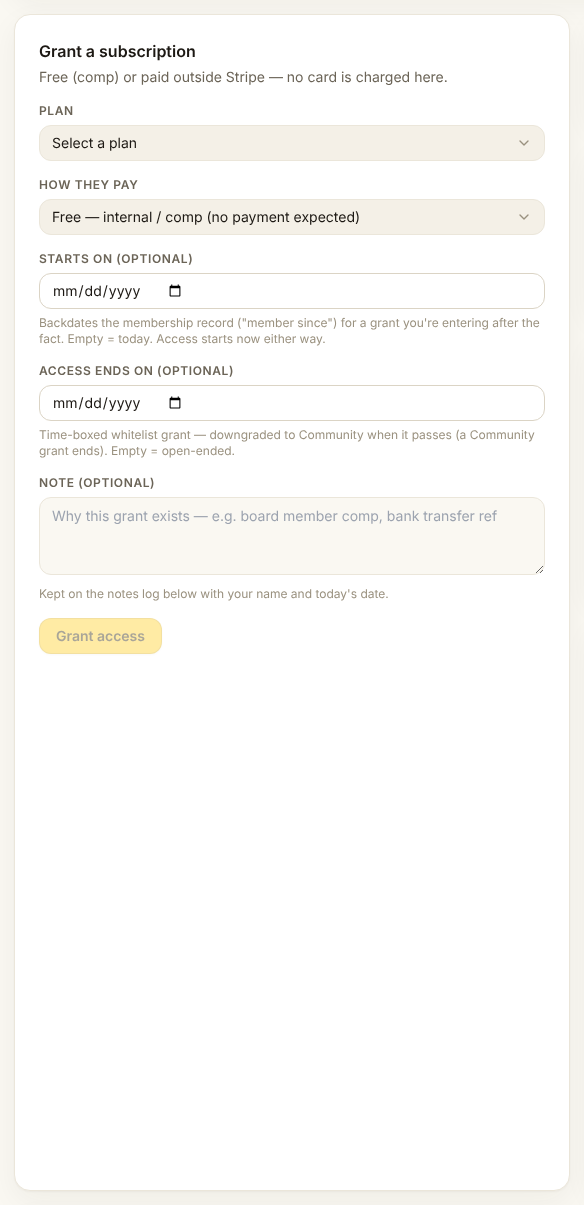
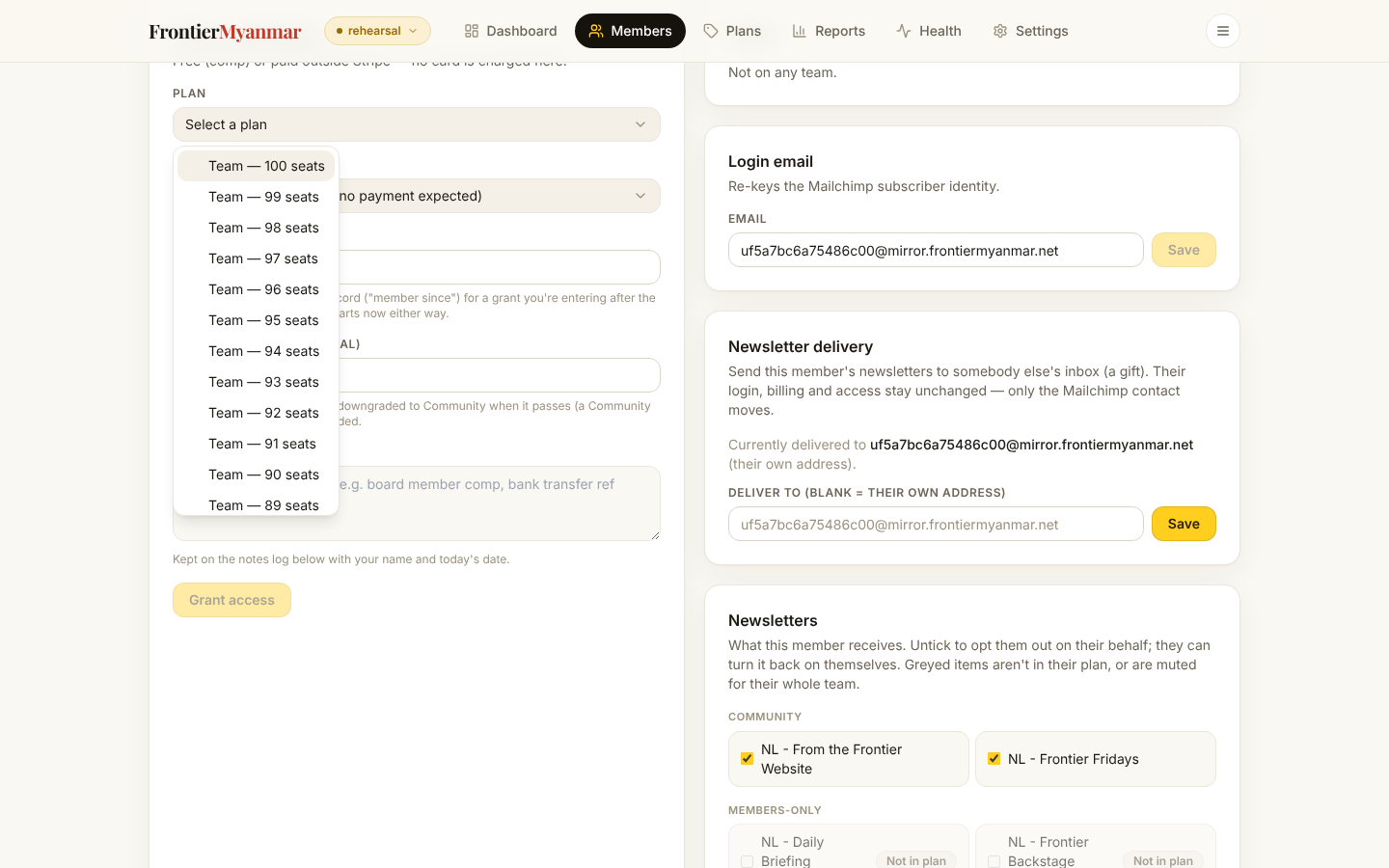
- Open Plan and choose what they should get.
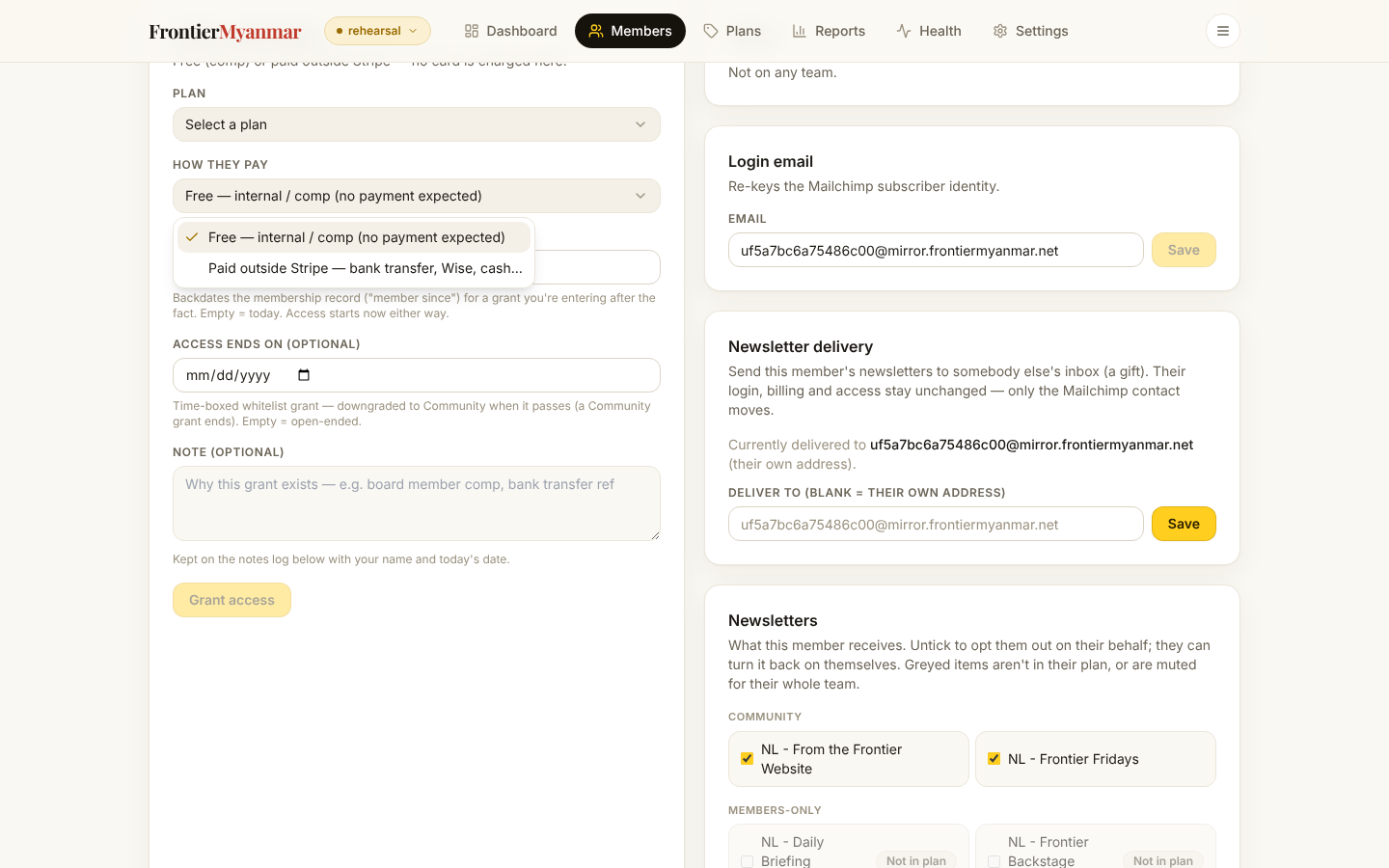
- Open How they pay and choose Free — internal / comp. This is what makes it free.
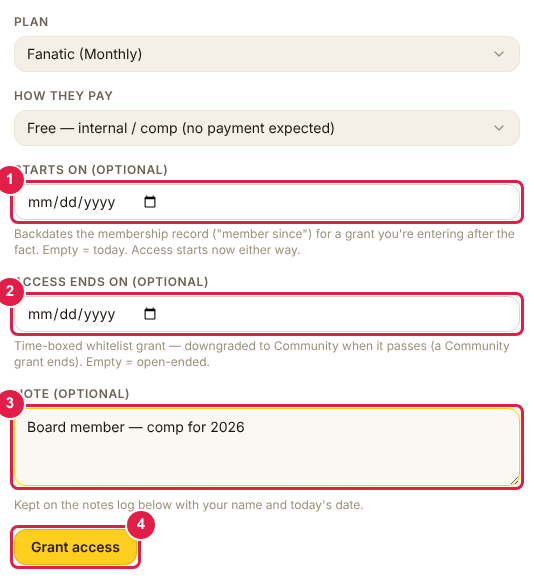
- Optionally set Starts on (1) to backdate the record and Access ends on (2) to time-box it. Write a Note (3) saying why. Press Grant access (4).
Check it worked
- A new row appears under Subscriptions with the source comp
- Your note appears in the notes log at the bottom of the page
- The member can open a members-only article on the website
The two date fields
Starts on only changes the "member since" date on the record. Access begins immediately either way. Use it when you are entering something that really happened last month.
Access ends on is the useful one for partner lists and trials. When the date passes the membership drops to free Community automatically. Nobody has to remember to switch it off.
If it did not work
The member can sign in but still cannot read. Their website session may be holding an old answer for a few minutes. Ask them to sign out and back in. If it persists, check Health.