Add a member
Use this when somebody needs a membership record but did not go through the website checkout.
You'll need
Their email address. If you are giving them a plan straight away, decide first whether it is free or paid outside Stripe.
- On Members, press New member.
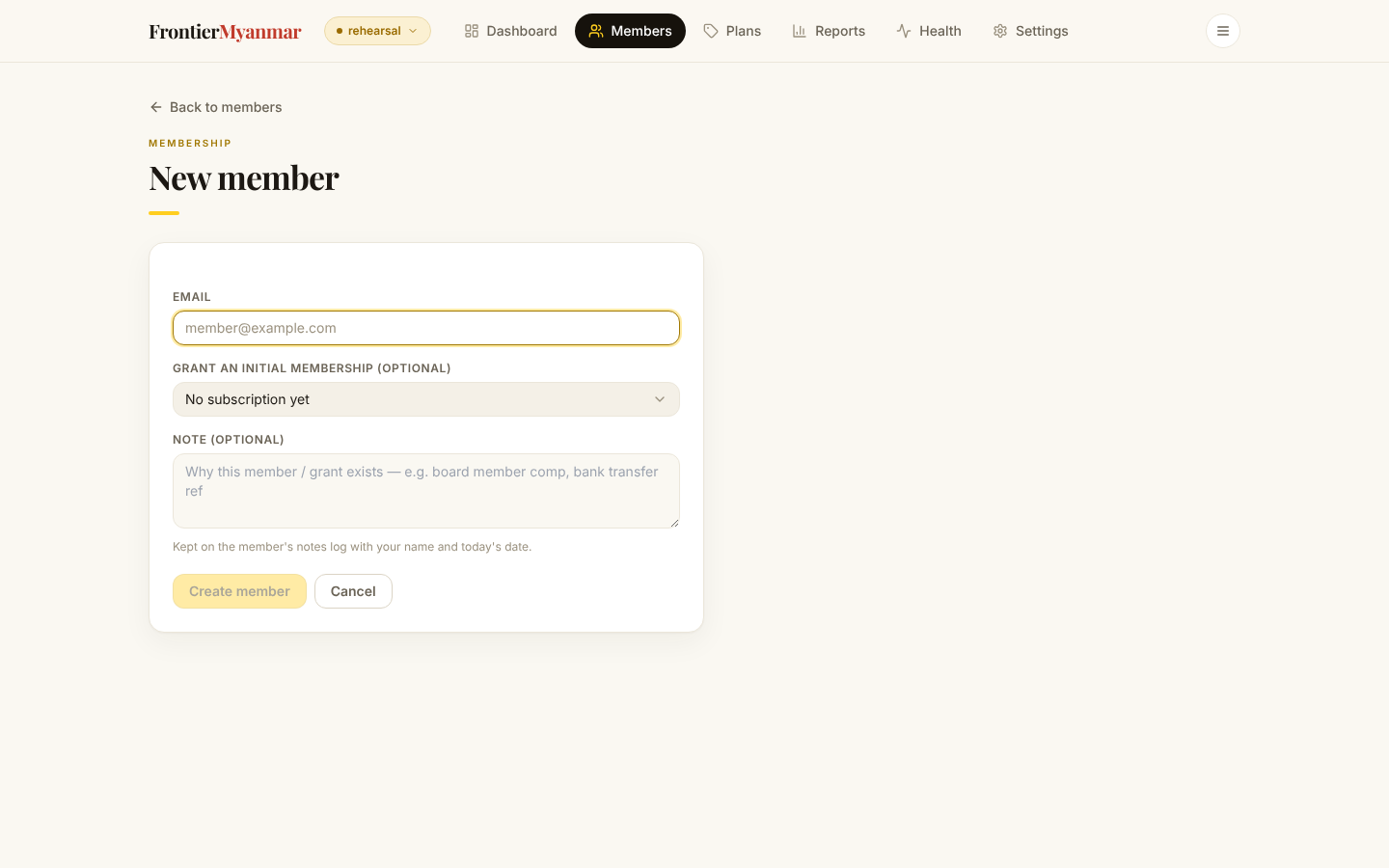
- Type their email address. This becomes the address they sign in with on the website.
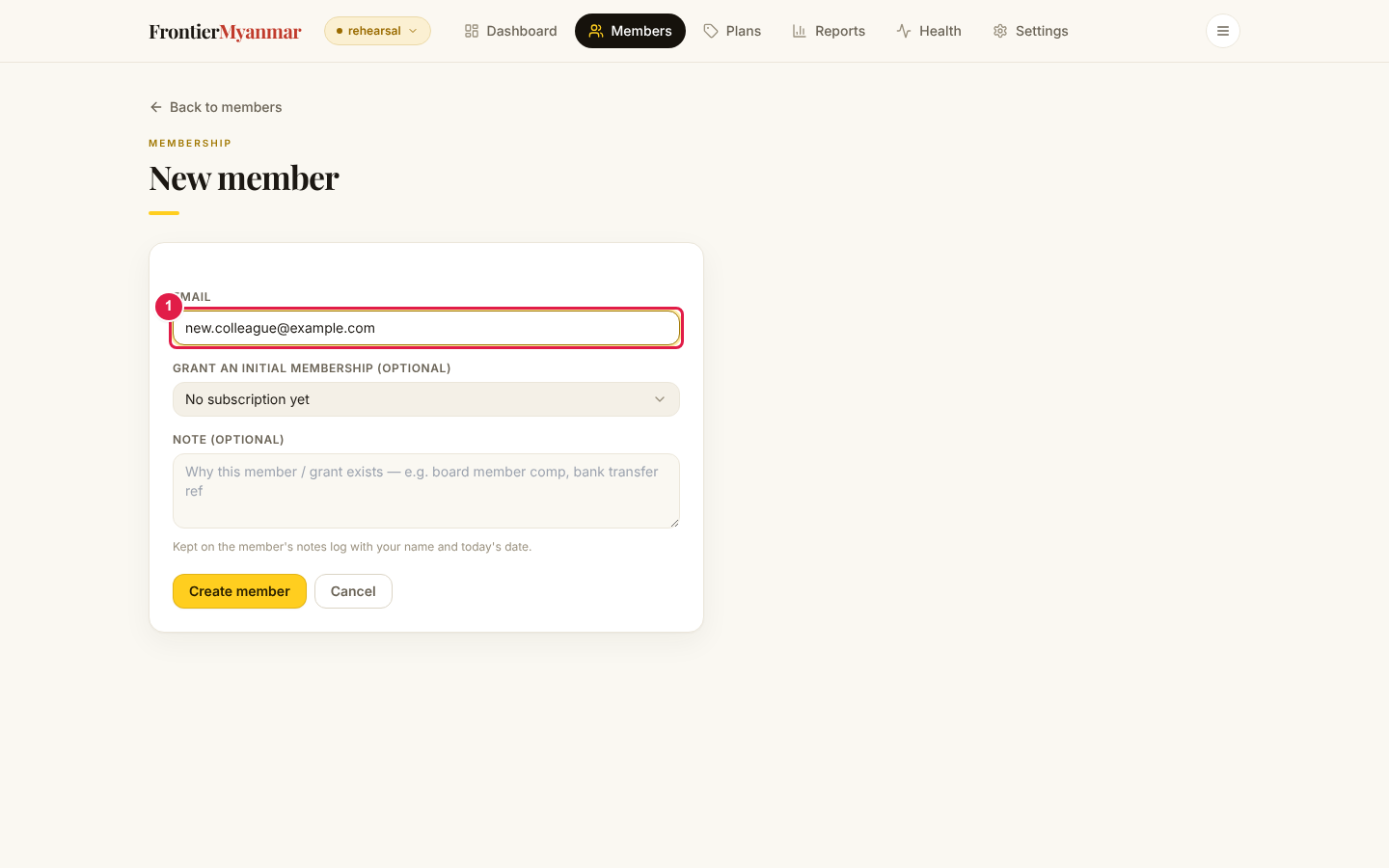
You can stop there and add a plan later, or fill in the rest of the form now:
- Plan — what they get. Choosing a team plan reveals a Team name field, and this person becomes the team admin.
- How they pay — Free / internal for a comp, or Paid outside Stripe for a bank transfer.
- Starts on — backdates the record. Use it when you are entering something after the fact.
- Access ends on — makes it time-boxed. Access drops to free Community when the date passes.
- Note — why this exists. Always worth writing.
Press Create member. You land on their page.
Check it worked
- Their page opens with the email at the top
- If you chose a plan, it appears under Subscriptions
- Searching for the address on Members finds them
This does not create a WordPress login
The member gets a website account the first time they try to sign in. They will be emailed a link to set a password.