Gift memberships
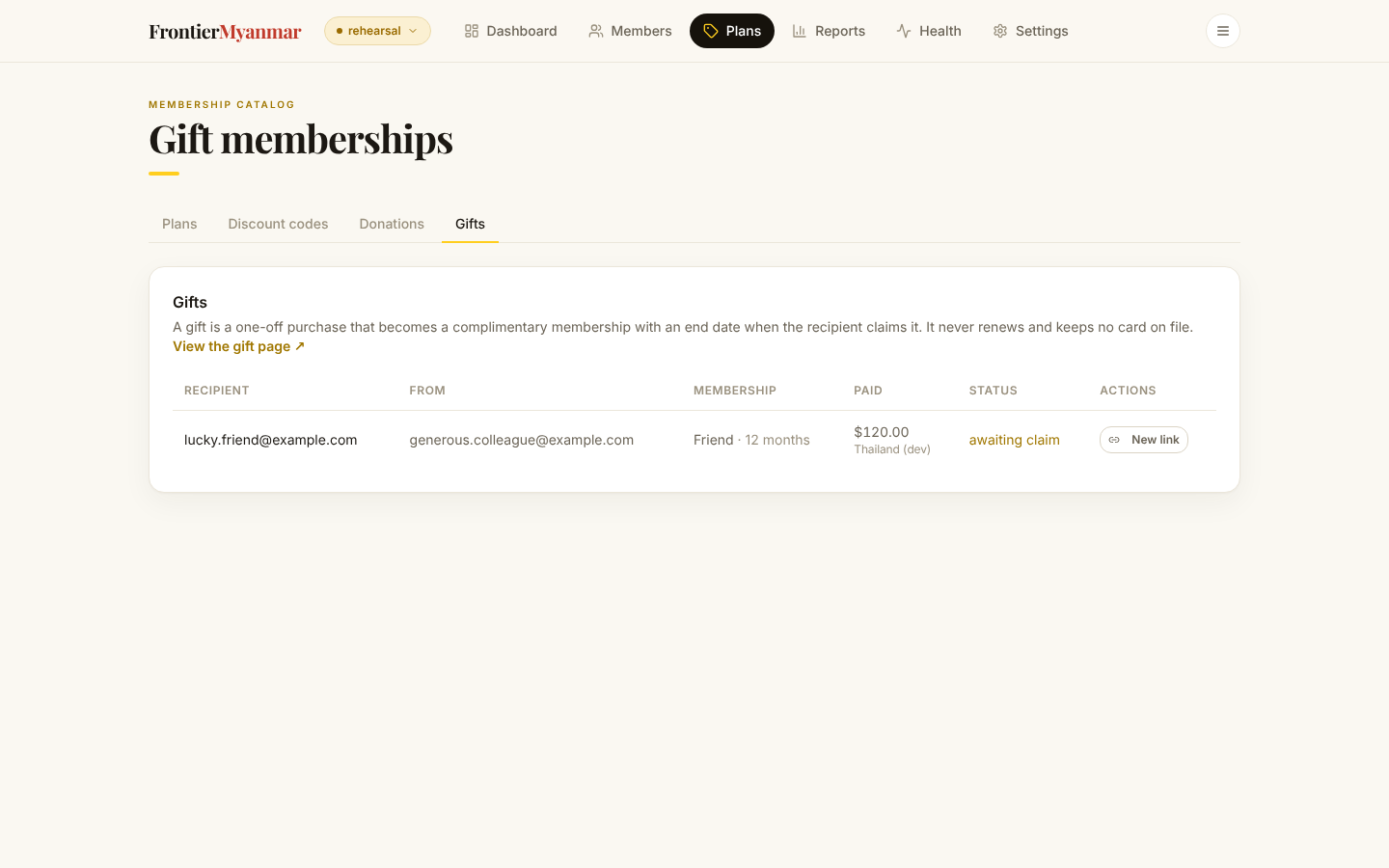
Somebody buys a year of membership for someone else on the public gift page. The recipient gets an emailed link, and the membership starts on the day they claim it.
What happens on its own
- The buyer pays on the gift page.
- WordPress emails the recipient a claim link, within about fifteen minutes.
- The recipient opens the link and gets a membership that runs for the paid months.
- Before it ends, WordPress emails them an offer to continue.
The link works once. The membership never renews by itself and no card is kept on file.
Re-issuing a claim link
Use this when the recipient says the email never arrived.
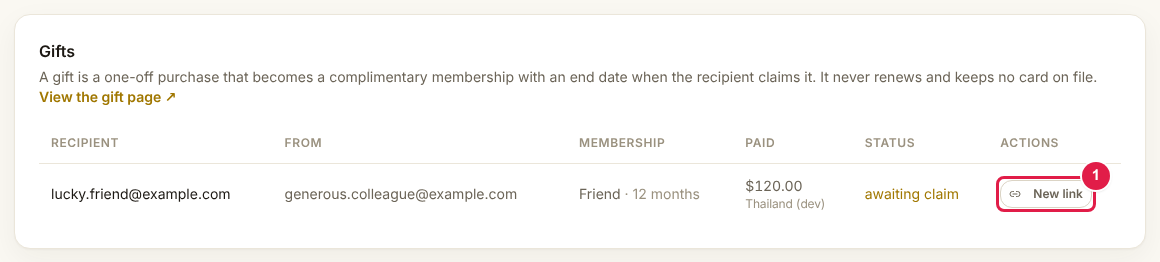
Press New link. The new address is shown once, on the card above the table. Copy it and send it to the recipient yourself. The old link stops working.
FMS hands each email out exactly once
If WordPress failed to send it, FMS will not try again by itself. Re-issuing here is the fix.
Why a gift might sit unsent
The emails are sent by the WordPress plugin, not by FMS. If none are going out, check that gift emails are switched on in WordPress. See gift emails.