Connections
Operator page
Changing anything here affects every payment and every newsletter. If you are not sure, ask.
Where the Stripe accounts and Mailchimp are wired up.
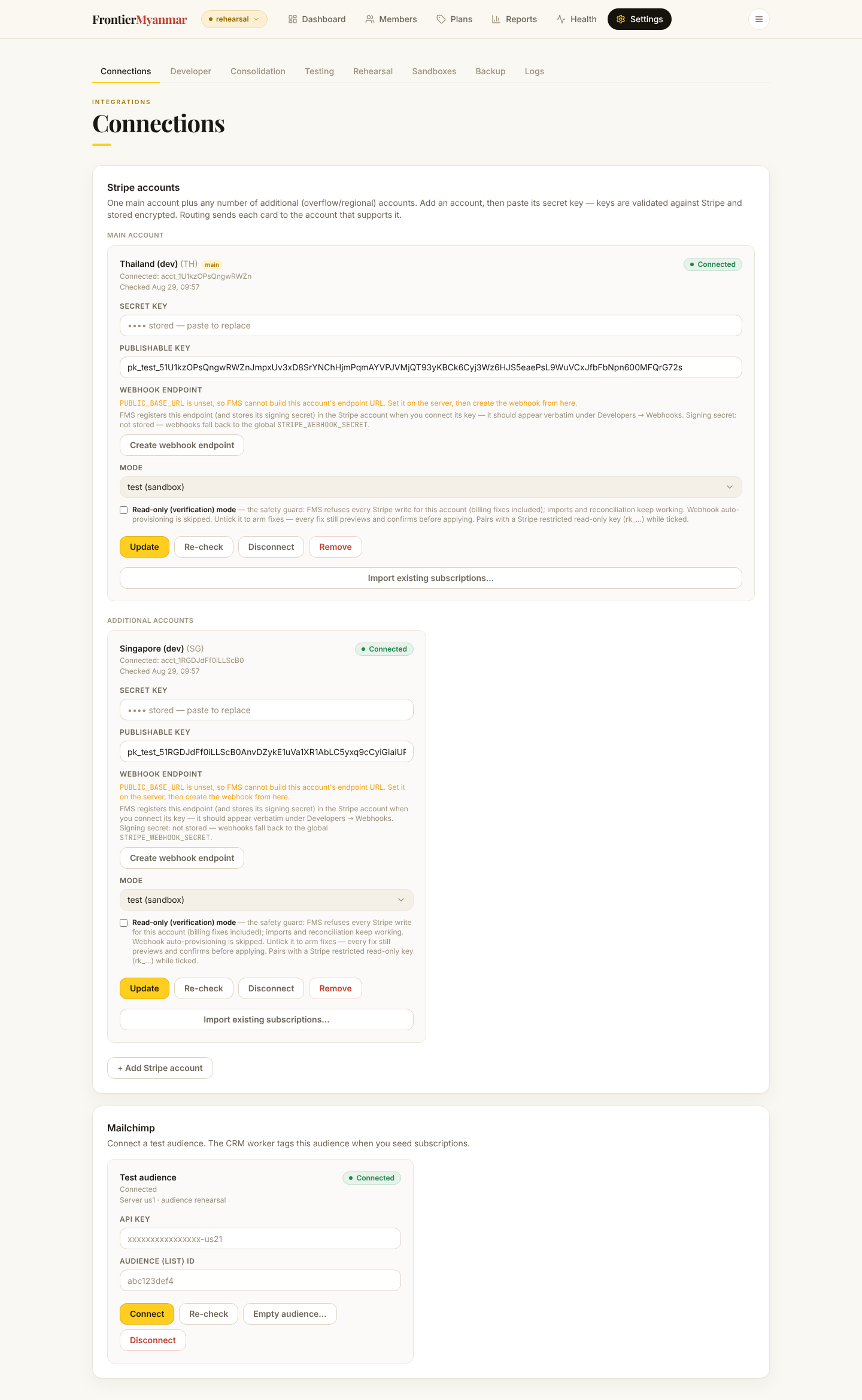
Stripe accounts
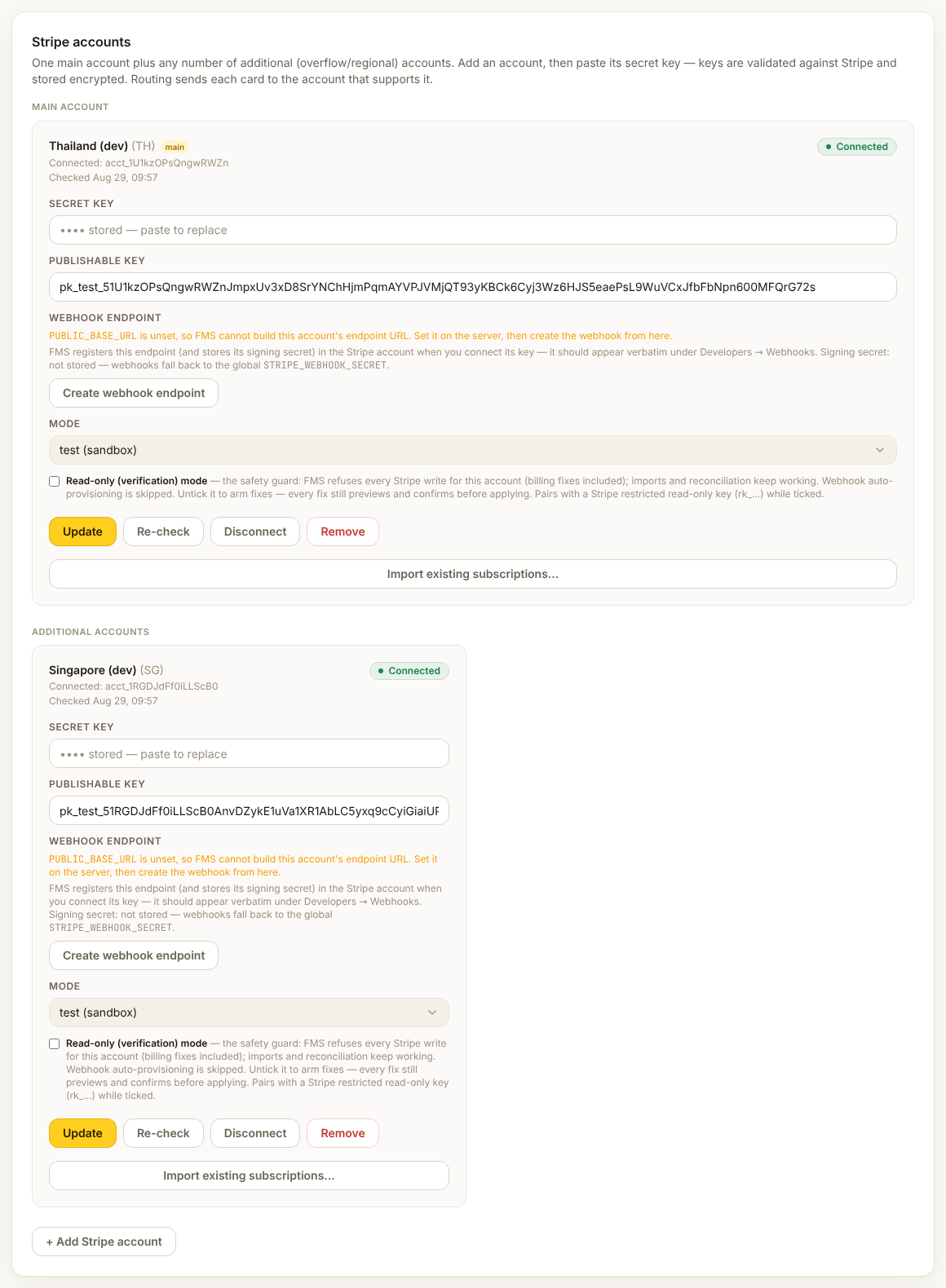
Each account is completely separate. A card saved in Thailand cannot be charged in Singapore. That is a Stripe rule, not a choice FMS made, and it explains most of the routing behaviour.
Per account you can see the region, the mode (test or live), whether the keys still work, and whether the webhook is registered.
Test keys belong in a sandbox
Test keys can only be connected in a sandbox and live keys only in production. If a warning banner appears saying test keys are connected to production, stop and tell Thomas.
Mailchimp
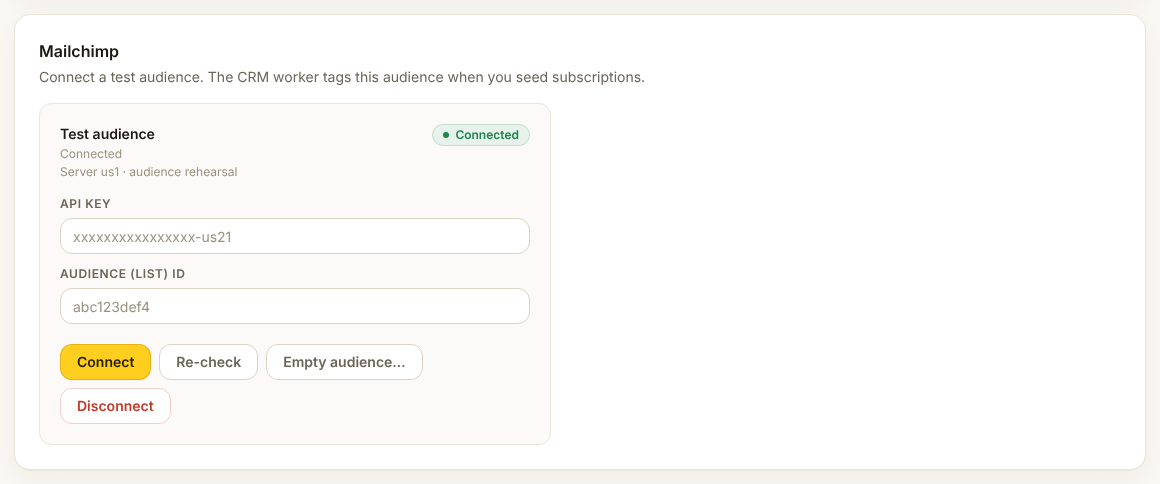
A sandbox may only write to an audience connected inside that sandbox. It will never write to the live audience, even if a key was inherited from a copy of production.
The wipe audience action exists for practice environments. It empties the audience. There is no undo.
When something says "not verified"
Press Recheck. If it still fails, the key has probably been rotated in Stripe or Mailchimp and needs pasting in again.