Pricing and joining
What a visitor goes through to become a member. Knowing these screens makes support calls much shorter.
The pricing page
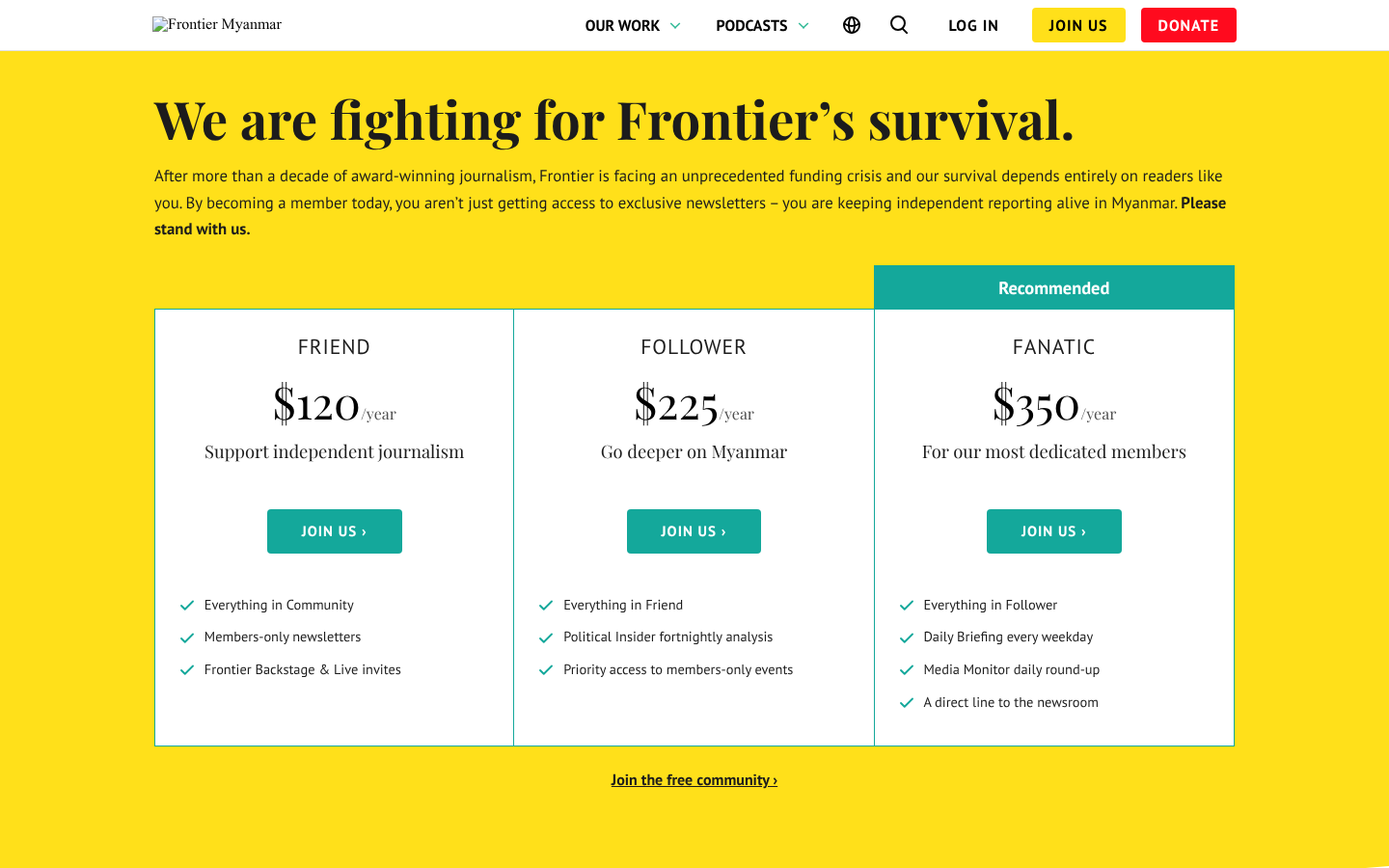
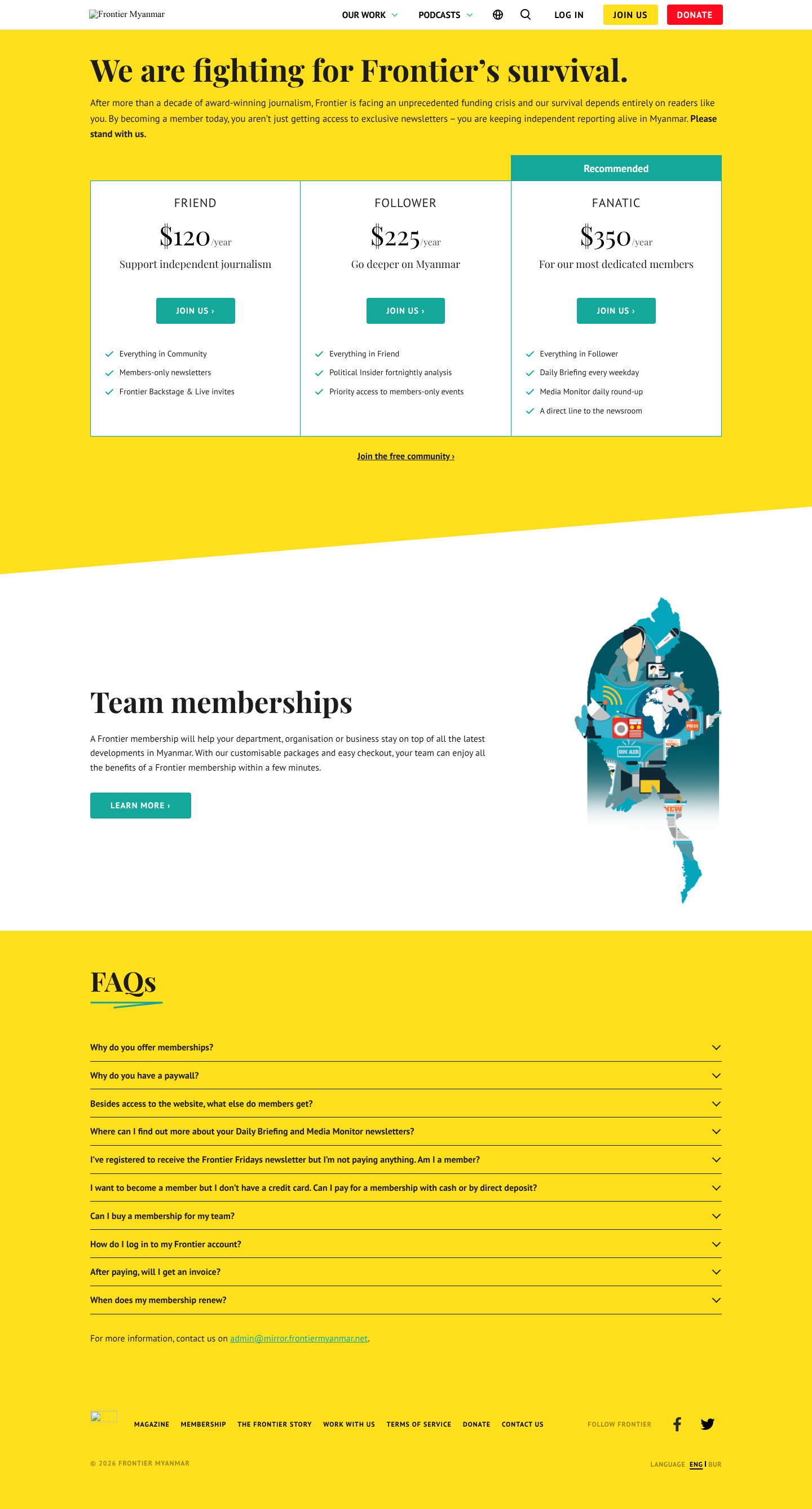
It is member-aware: somebody already signed in sees their current tier marked, and the others offered as an upgrade or downgrade. Everything on it comes from Plans, so a wrong price here is fixed there and then refreshed with Refresh plan catalog.
Prices are in US dollars. While an Opn Payments (Omise) account charges JCB, American Express and UnionPay cards in Thai baht, a line under the tier cards says so: Prices in US dollars. JCB, American Express and UnionPay cards are charged the equivalent in Thai baht, shown before you pay. (plugin 0.49.0 and later; FMS sends the line only while it applies).
The team page
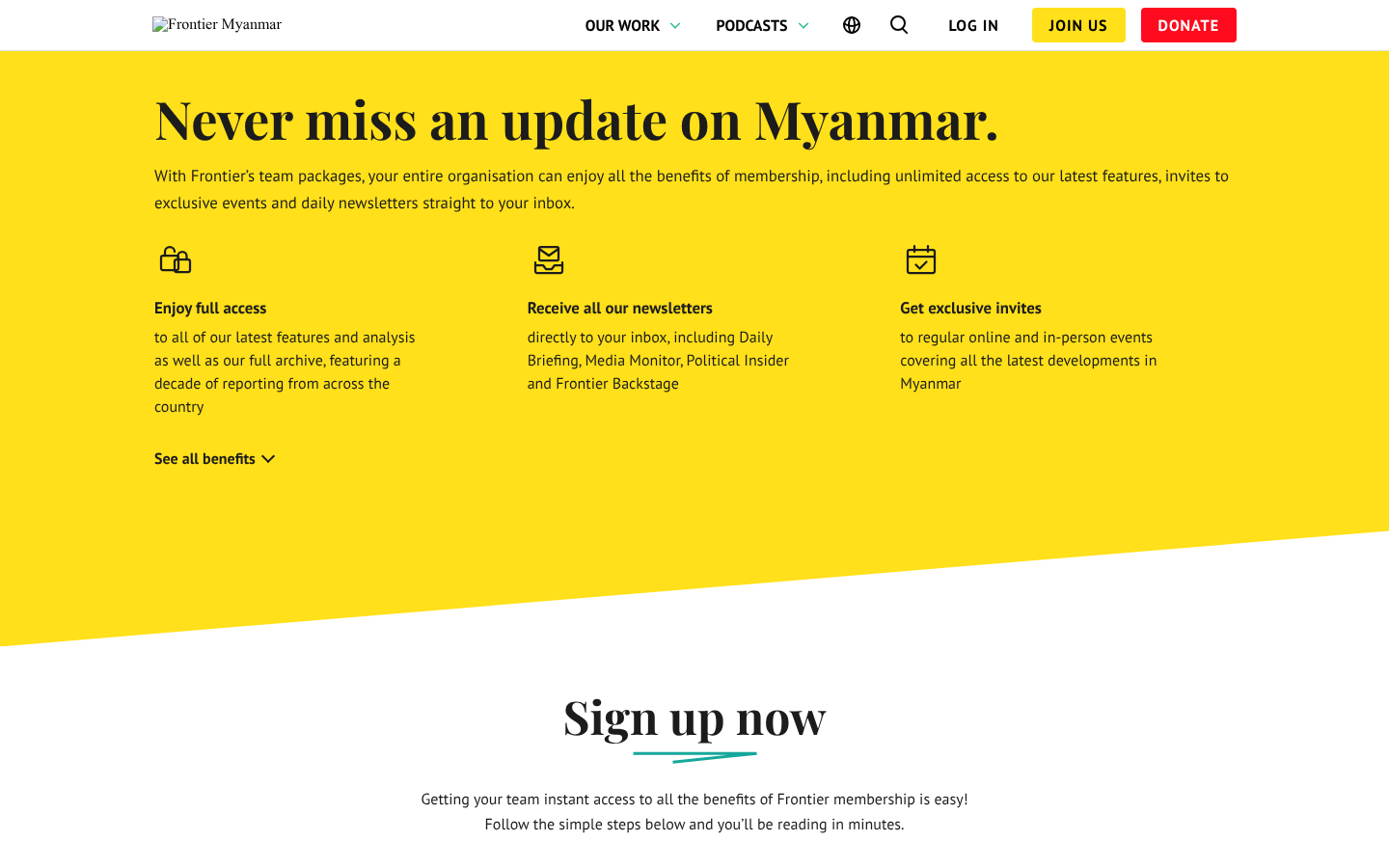
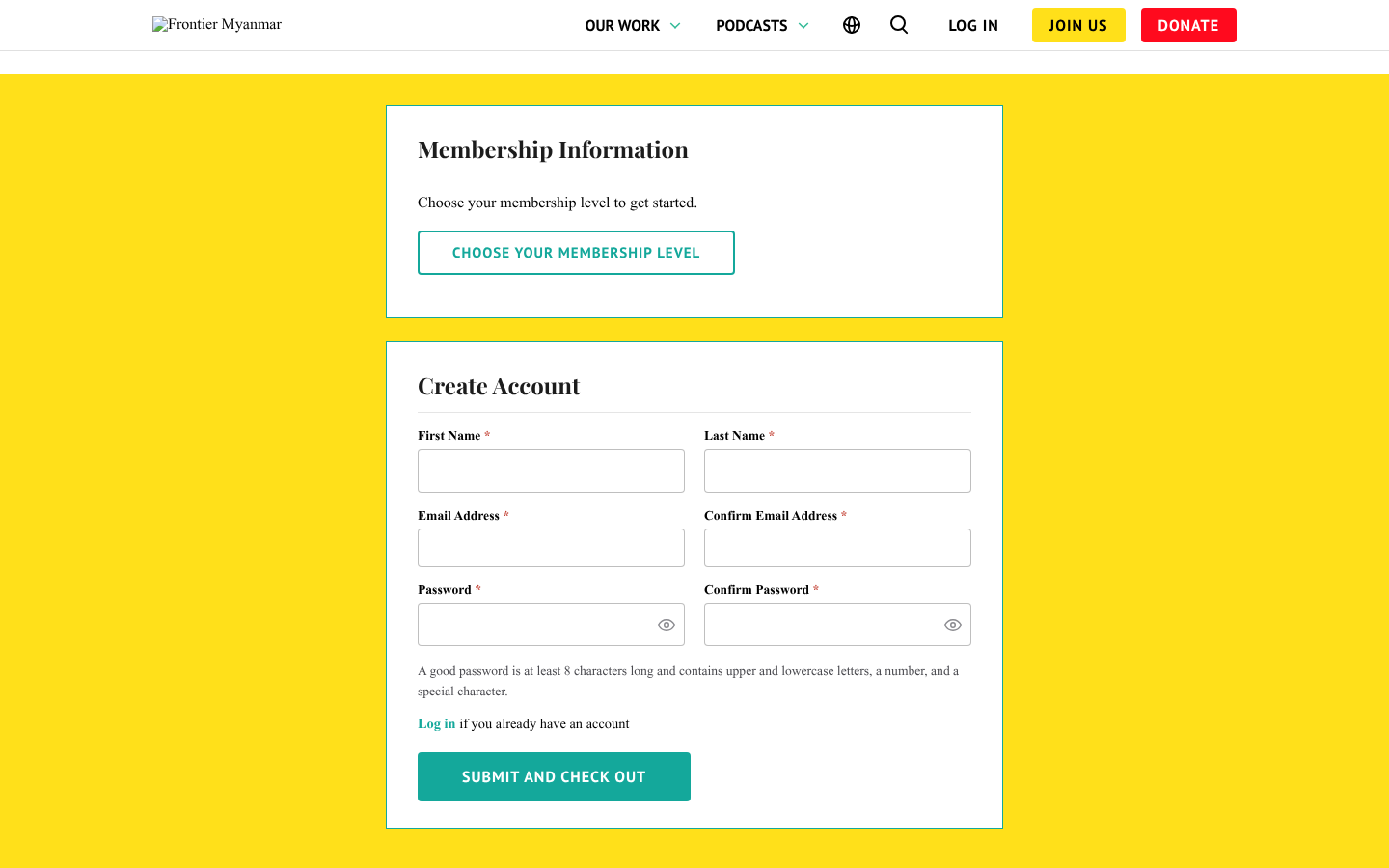
Joining
The price before Pay
The payment page shows the price the member's card type will pay, in a box just above the Pay button, as soon as they choose the card type (or type the first digits of the card):
| Card type | What the box says | The button |
|---|---|---|
| Visa, Mastercard (and every card on Stripe) | $120.00 USD / year | Pay $120.00 |
| JCB, American Express, UnionPay on Omise | ฿4,120.00 / year — the cards are charged in Thai baht at today's rate (฿34.32 per $1), the list price ($120.00), and that the member's bank may convert it | Pay ฿4,120.00 |
Before a card type is chosen, the heading shows the dollar list price and, when some card types pay baht, a line saying so. A team's seat selector, the gift page's plan list and a discount code are re-priced for the chosen card type (a discount on a baht price is shown in baht). The dollar list price is always shown beside a baht price; FMS never shows an "about $" figure.
FMS charges only the amount the page showed. If the price changed after the page was opened (the exchange rate moved, or a discount code ran out), nothing is charged and the page says The price has changed since this page was opened (now ฿4,130.00). Please check it and press Pay again. The amount shown is kept with each Omise payment as evidence if a member disputes it. See also Why was I charged in Thai baht? in Questions people ask.
The thank-you
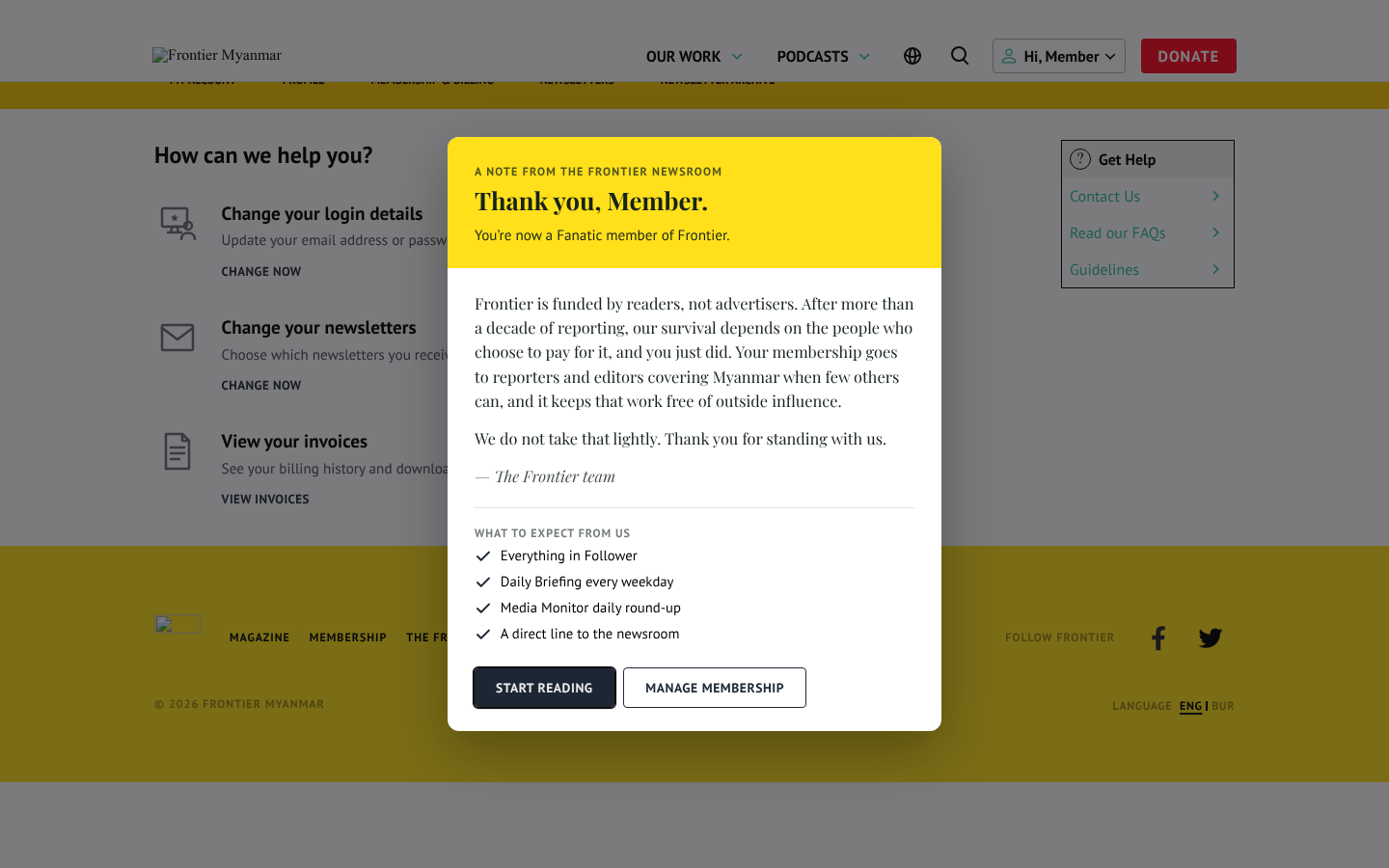
After paying, the member lands back on the site with a thank-you note. It greets them by first name when the website knows it. It says what their money pays for, then lists what to expect under What to expect from us.
The note rises into view, and a green tick at the top draws itself with a small burst around it. This plays once and is over in about a second. There is no confetti, because the note opens over the home page's headlines. Members whose phone or computer is set to reduce motion see the tick without the movement.
Start reading closes it, and so do the × at the top right, a click outside the note, or the Escape key. Signed-in members also get Manage membership, which opens the account hub. Community and team members get their own wording. On a small screen the note is never cut off: scroll down to reach the rest of it and the buttons. Keyboard and screen-reader users start at the top of the note, and Tab reaches the × first.
AMEX works, and nobody notices why
Behind the scenes an American Express card is routed to the Singapore account because Thailand cannot take it. The member sees one ordinary card form.
Hitting the paywall
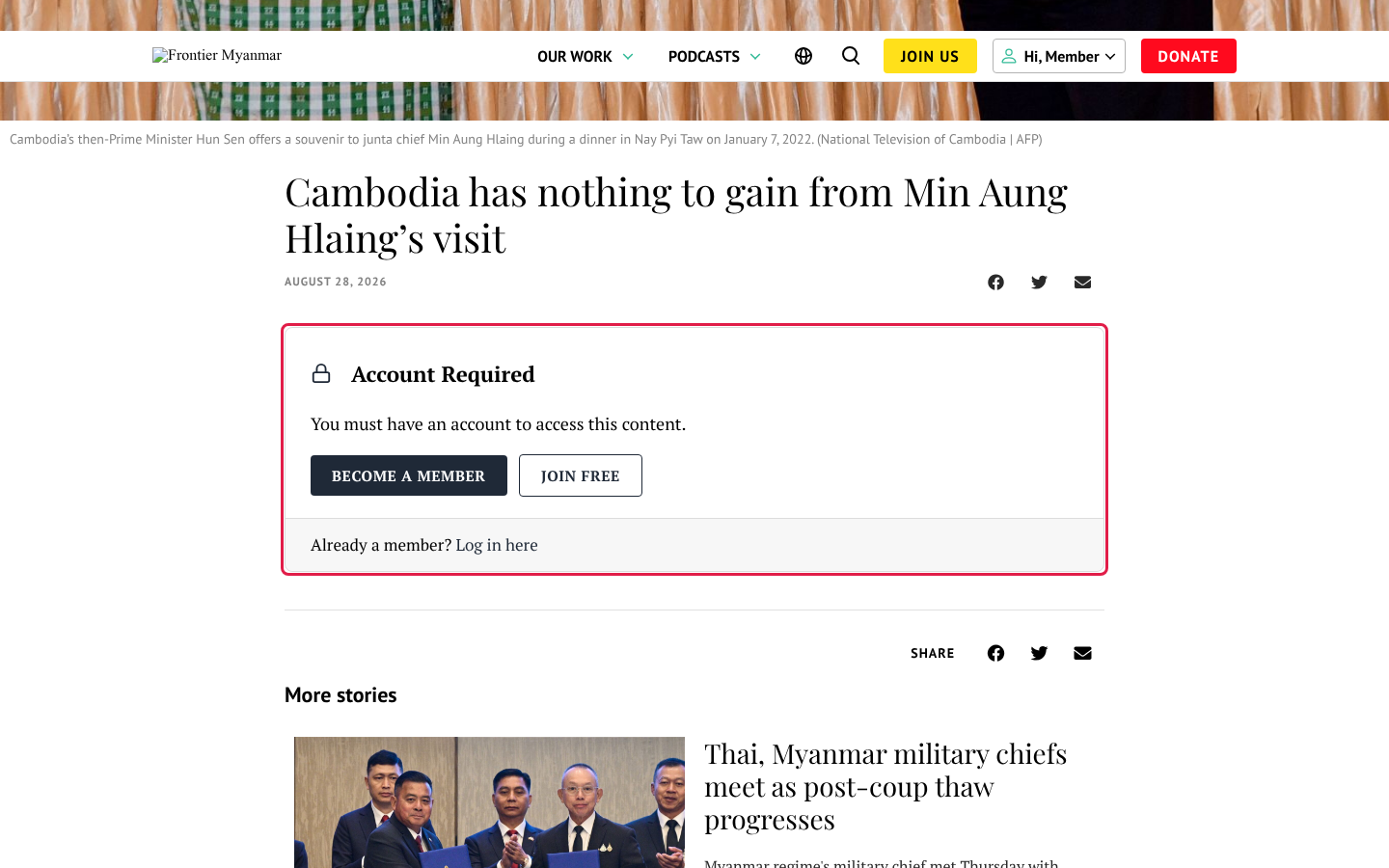
Most joins start here. Staff configure the card's wording and its fallback message in content gating settings.
Signing in
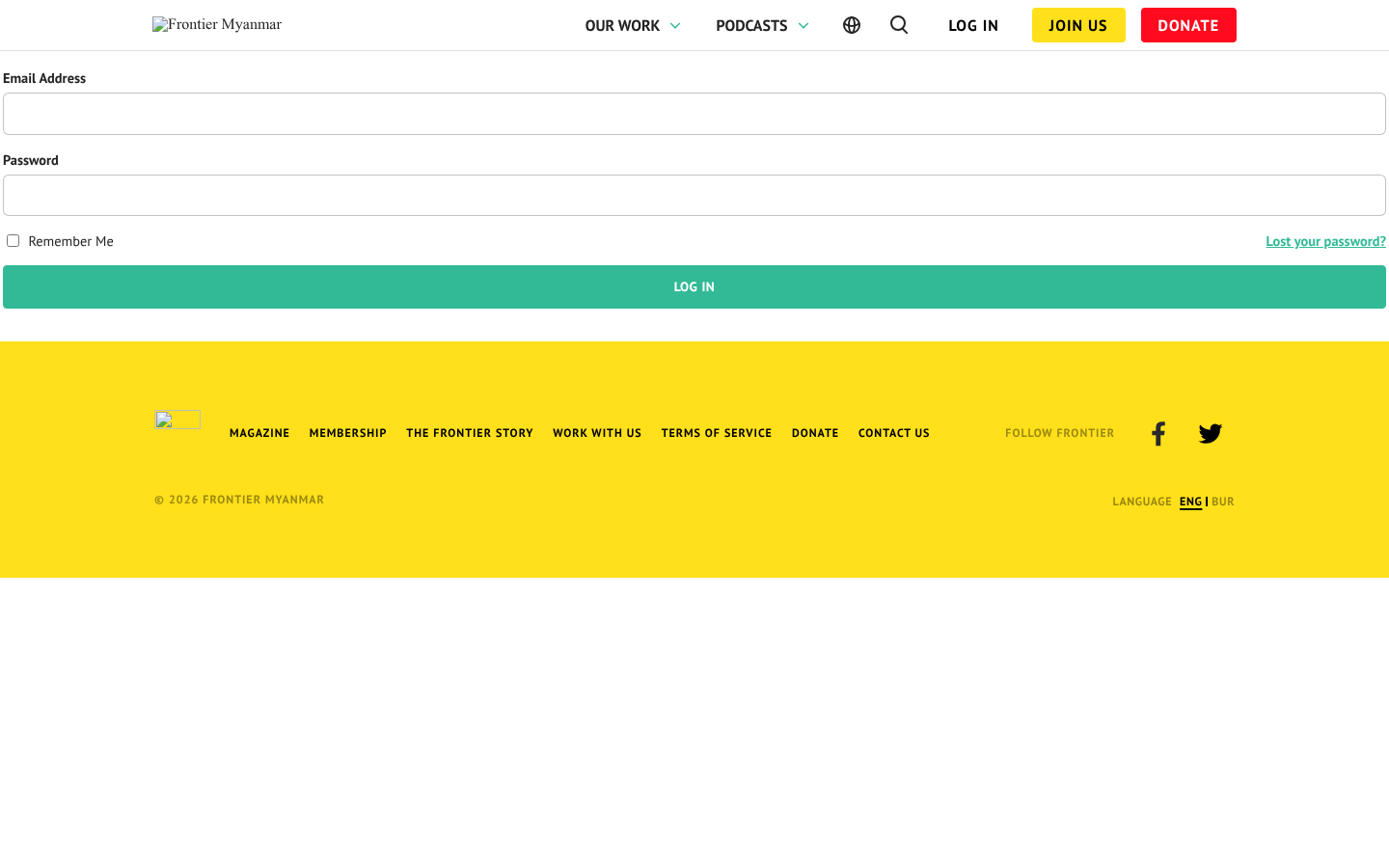
If someone exists in FMS but has never had a website account, signing in creates one and emails them a link to set a password. They will not be told "wrong password", which is why some members report "it emailed me instead of letting me in". That is correct behaviour.