Team page
What a team admin sees, and what the people on their seats see.
The team admin
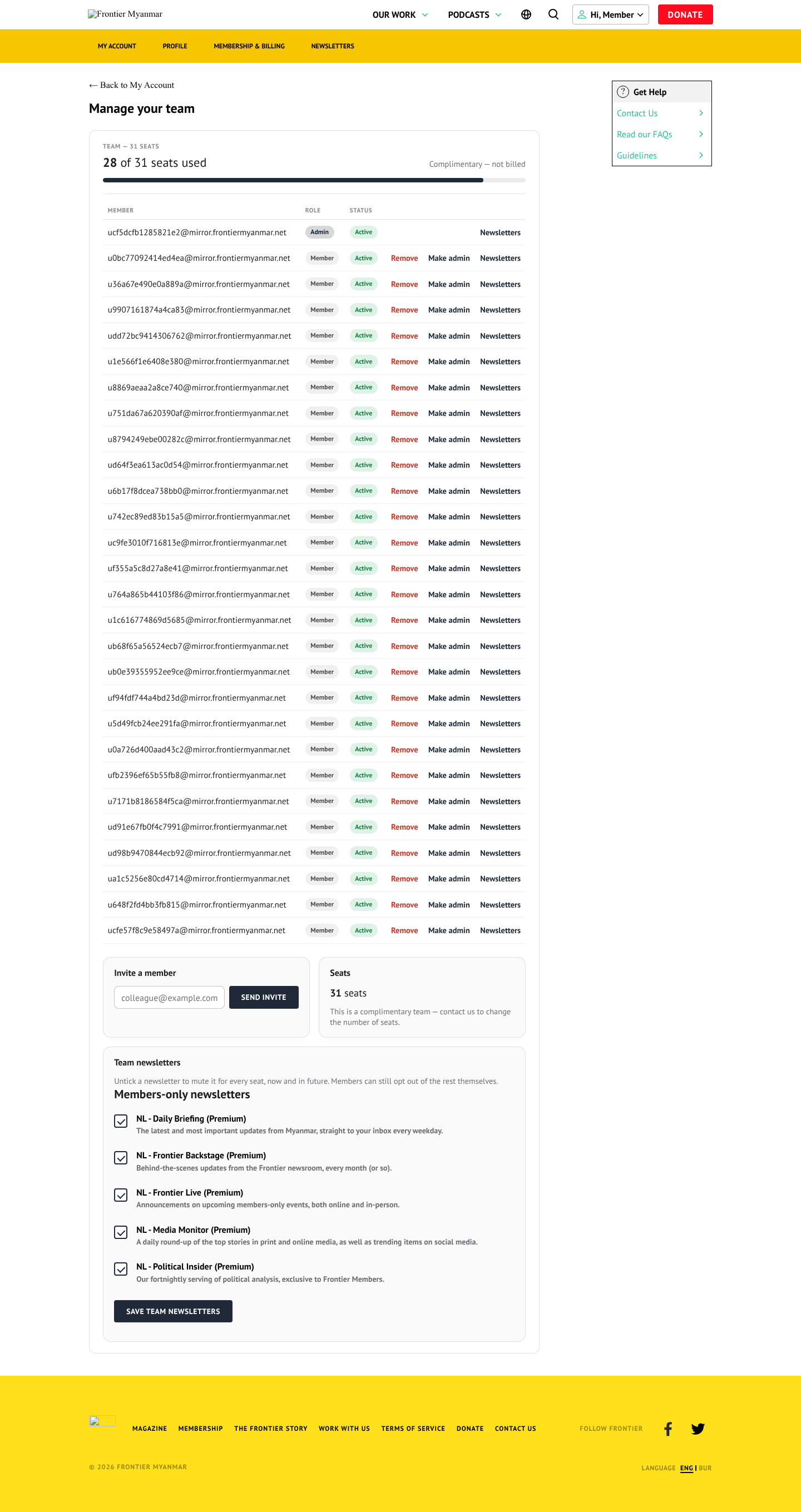
They can invite somebody into a free seat, remove somebody, and hand the admin role to another member. They cannot buy more seats themselves. That is a staff job in Teams.
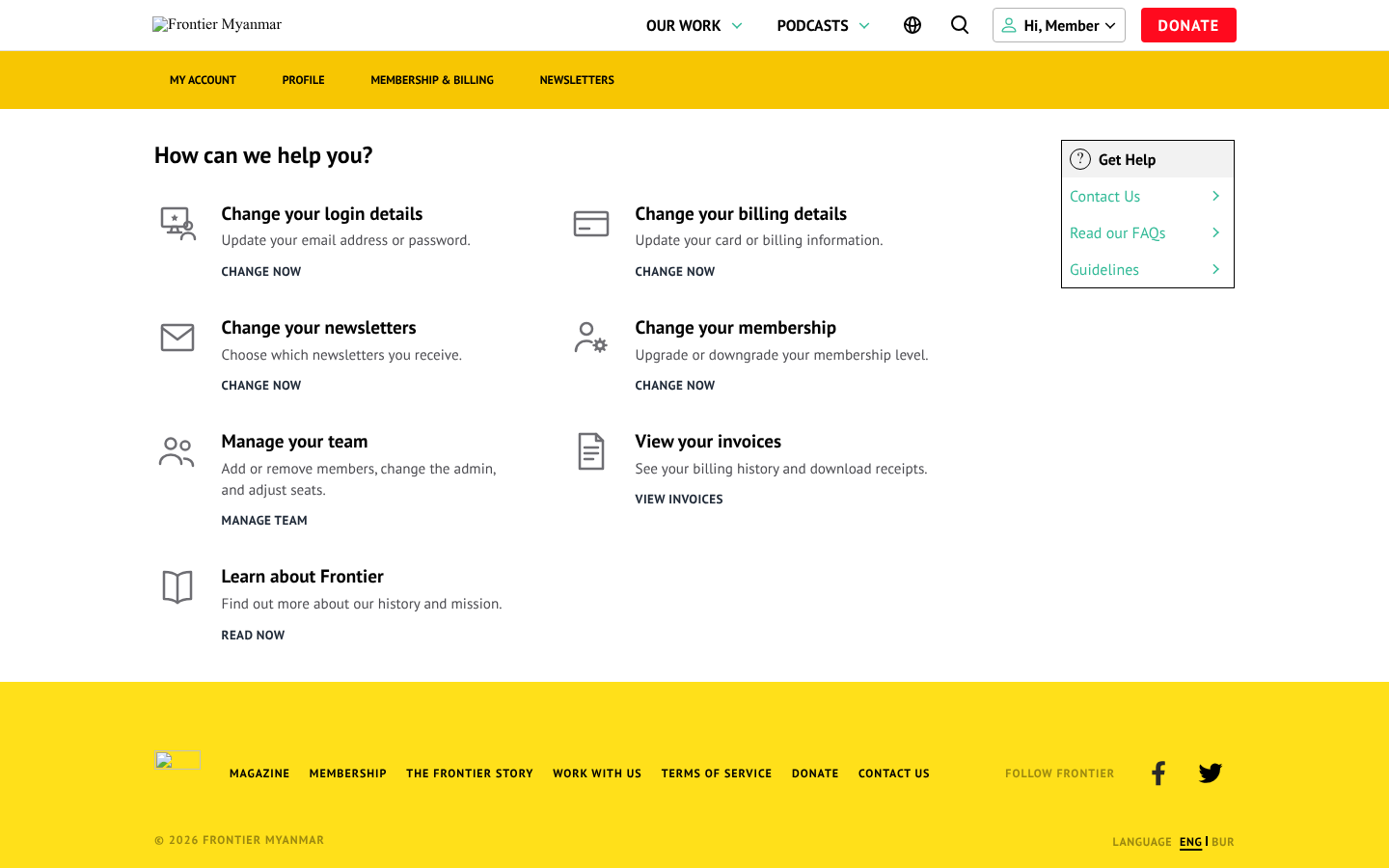
Someone on a seat
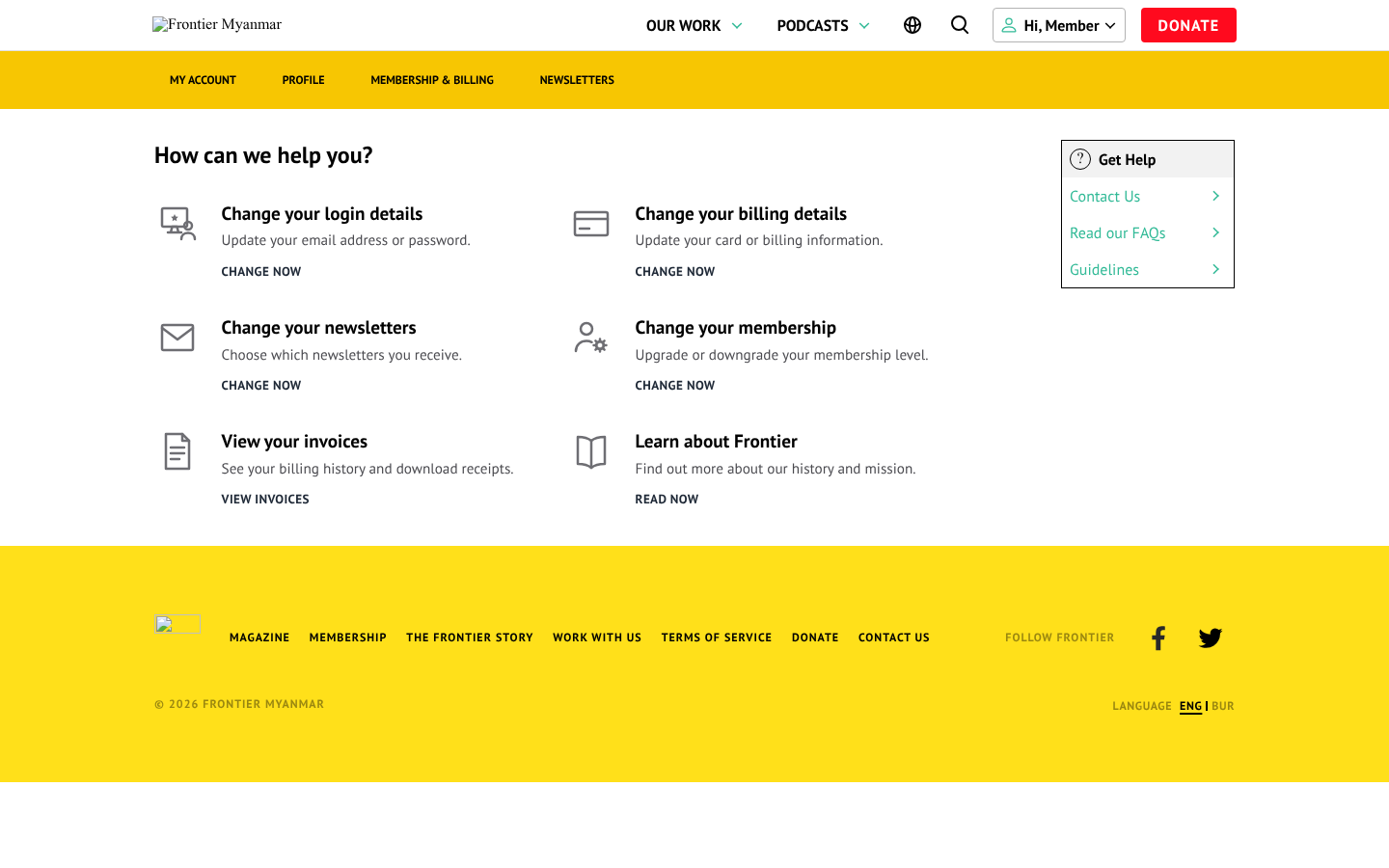
They read everything the team plan includes and manage their own newsletters and login details. They cannot cancel: the team is one subscription, and only the admin can change it.
Common questions
"I want to leave the team." The team admin removes them. That frees the seat immediately.
"We need one more person." Staff add a seat, which changes what the team is billed. See Teams.
"Who is our admin?" Any staff member can see it on the team's page in the admin portal.