How the cutover works
Moving from the old membership plugin to FMS. The whole design exists to guarantee two things: nobody is charged twice, and nobody loses access.
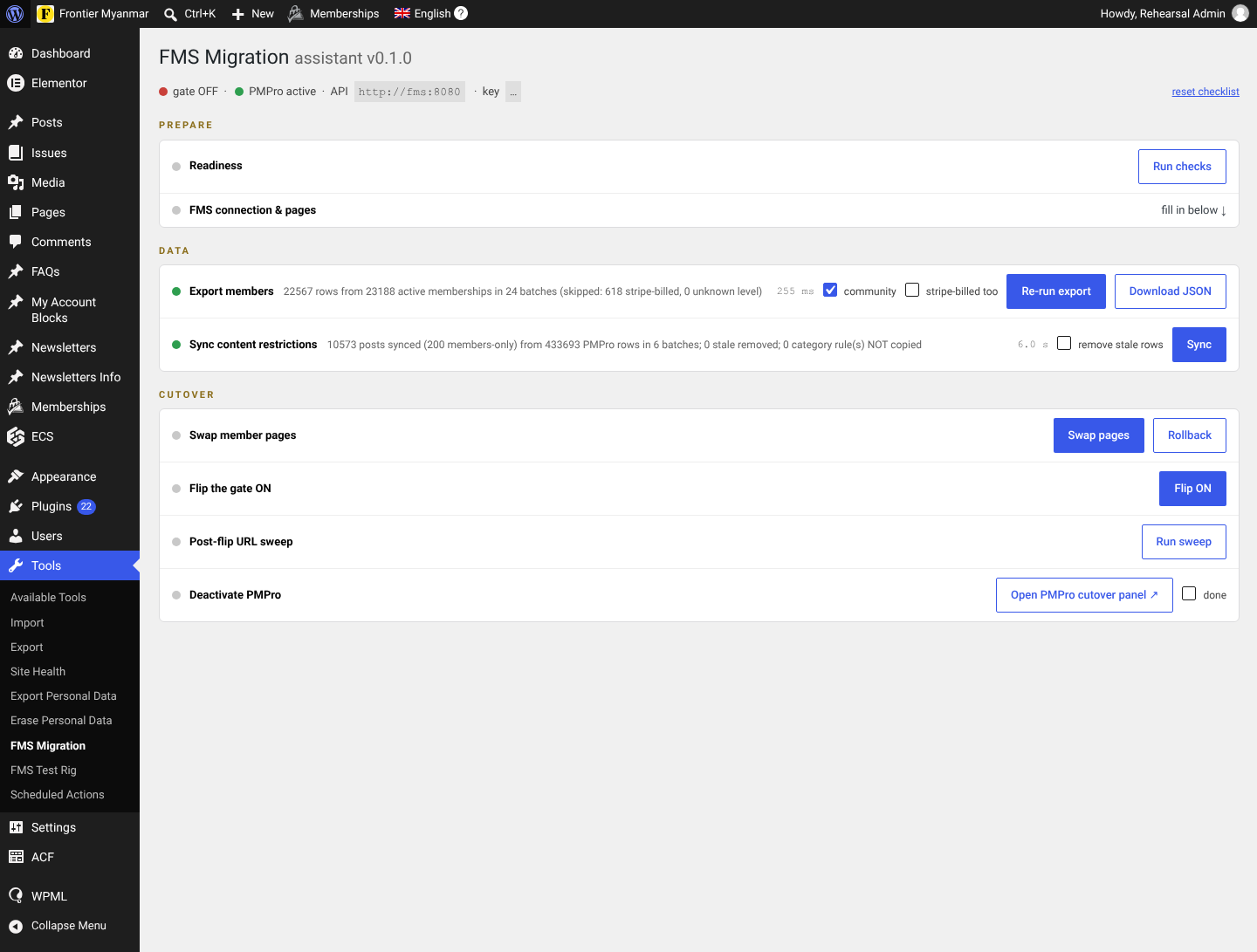
Parallel run
FMS is loaded with a copy of the members and content rules while the old plugin keeps running the site. Nothing changes for readers. You verify against real data at your leisure.
The cutover itself is one tick box: the master switch. Ticking it makes FMS the gate. Unticking it hands control straight back. That is the rollback, and it takes seconds.
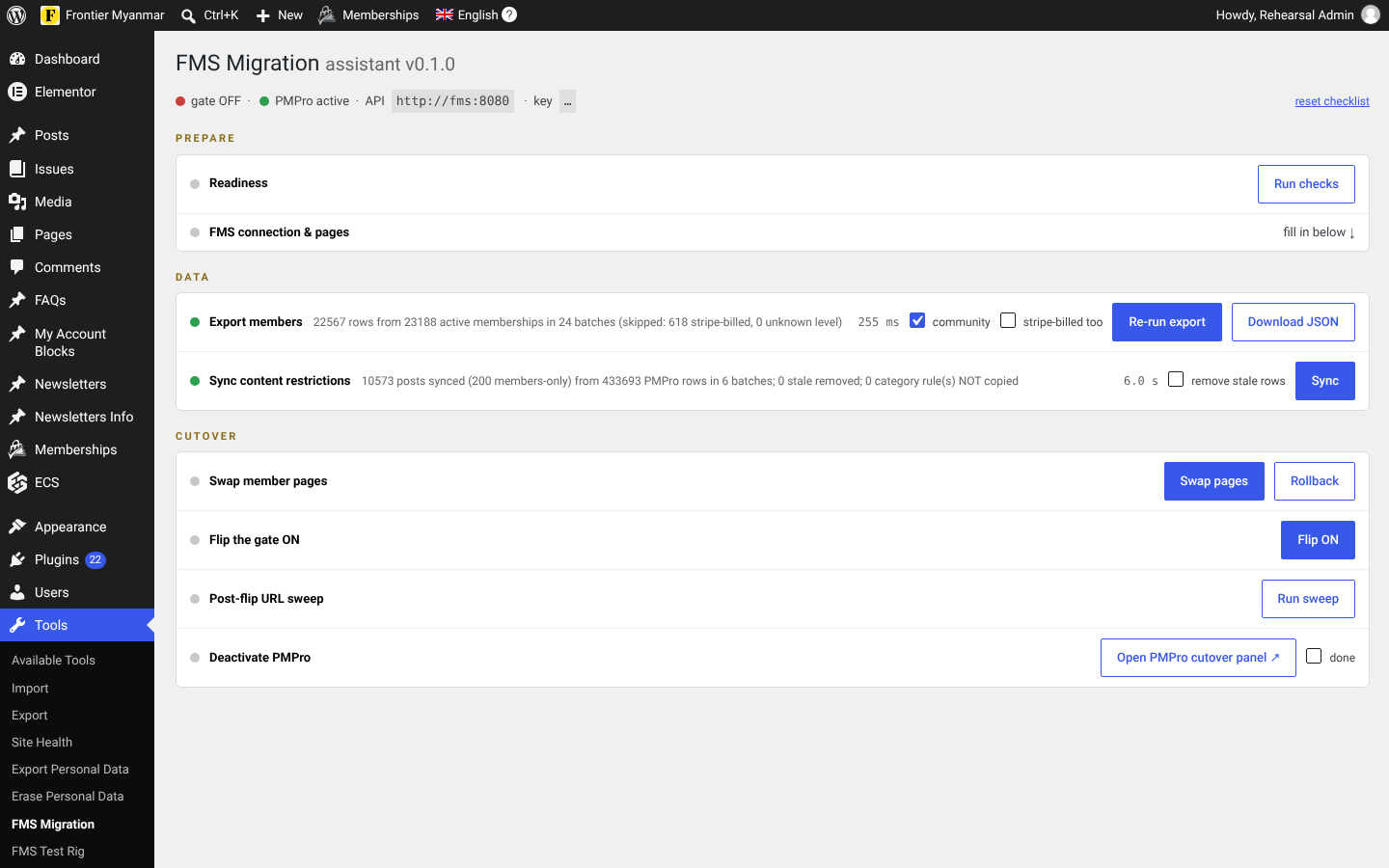
The three groups
| Group | What happens | Reversible? |
|---|---|---|
| Prepare | Readiness checks and the FMS connection. | Nothing changes. |
| Data | Export members, sync content restrictions. | Reads the site, writes only to FMS. |
| Cutover | Swap the member pages, flip the switch, sweep the URLs, deactivate the old plugin. | Yes, until the old plugin is deactivated. |
Before the day
- Rehearse the whole thing on a copy of the site
- Readiness passes with no blocking failures
- Member counts in FMS match the site
- A verification pass on Consolidation is clean
The authoritative procedure, including the verification gates that must pass before the flip, is in the repository at docs/migration-runbooks/README.md. This guide is the friendly version of the same steps.
Start with step 1, Prepare.