Step 1: Prepare
Nothing in this step changes anything. It checks that the two systems can talk.
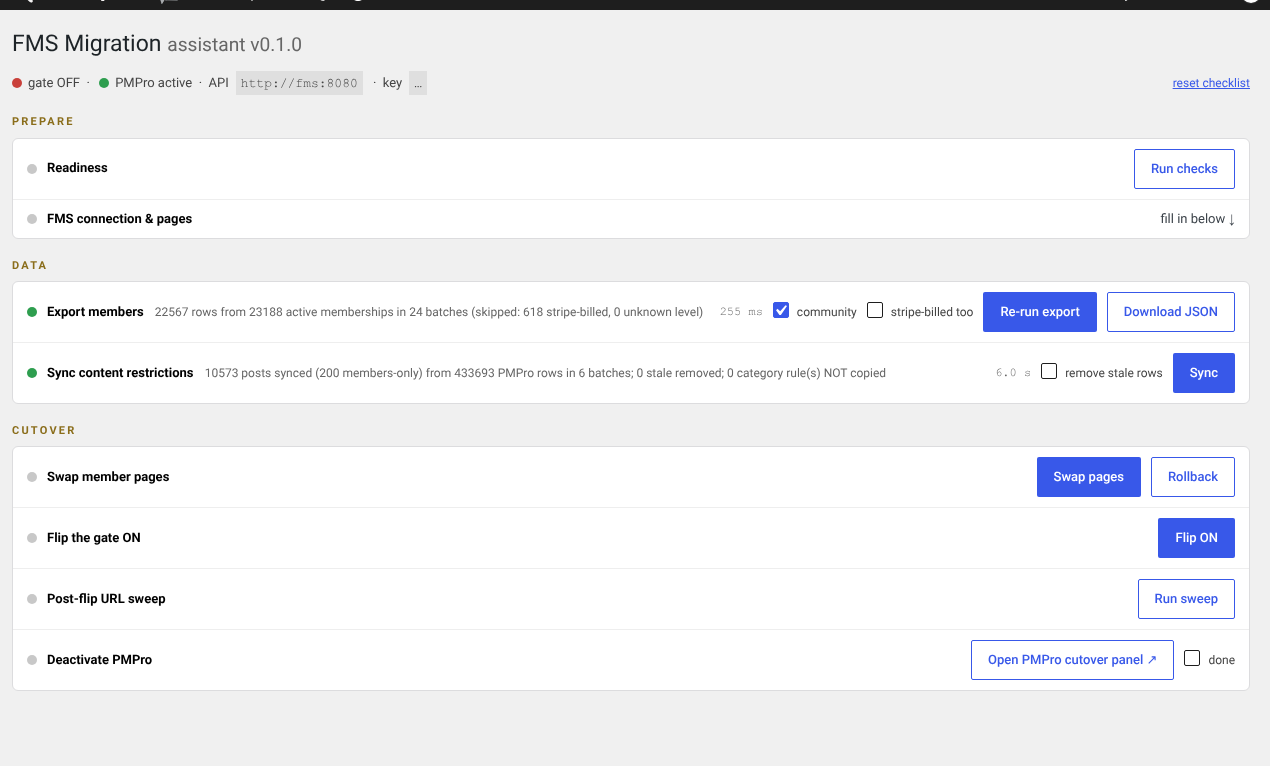
Readiness
Press Run checks. It confirms that FMS answers with the service key, that the old plugin's data is present, that the member pages are mapped, and that every old membership level maps to an FMS plan.
A failure here is a to-do list, not a problem. Fix them and run it again.
A level with no matching plan is the one that matters
If an old level has no FMS plan, the members on it have nothing to be migrated onto. Create the plan in Plans before going further.
FMS connection and pages
The assistant has its own copy of the three connection fields, so you do not have to leave the wizard: the API URL, the public URL, and the service key. Fill them in and press save and test.
There is also a link out to the member page pickers. If you have not created those pages yet, do member pages first.
Check it worked
- The status strip at the top shows the API address and a key
- Readiness has no blocking failures
- Every old level maps to a plan
Next: step 2, Data.