Tools and buttons
The buttons at the bottom of the settings page.
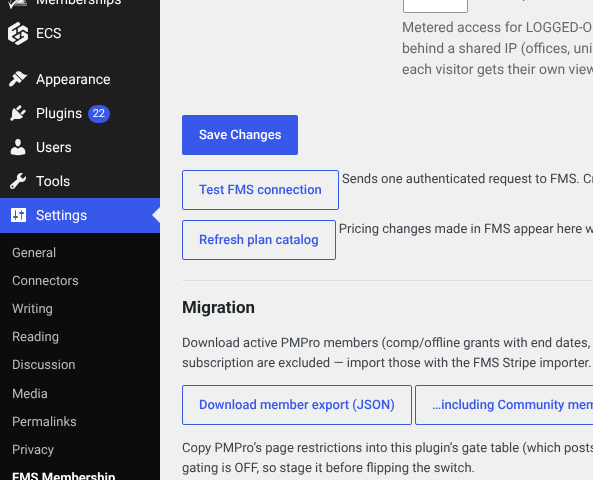
Refresh plan catalog
WordPress keeps a copy of your plans and prices so the pricing page loads fast and still works if FMS is briefly unreachable. Press this after changing plans or prices in FMS, otherwise the public page shows yesterday's prices.
If FMS cannot be reached the page keeps serving the last known-good prices and says so, rather than showing nothing.
Migration buttons
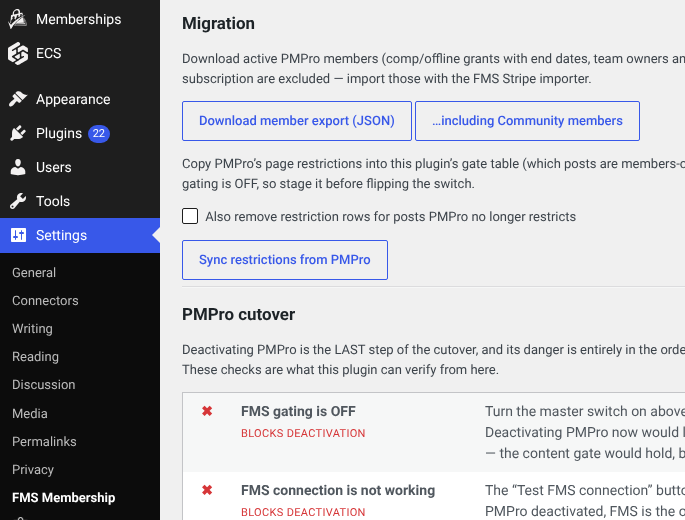
Download member export produces a JSON file of the site's members for importing into FMS. There is a second button that includes free Community members.
Sync restrictions from PMPro copies the old plugin's content rules across so FMS gates the same articles. The tick box also removes rules that no longer match anything.
These are cutover jobs. The migration assistant runs the same work as a guided checklist, which is easier to follow.
Deactivate PMPro
Further down there is a readiness panel and a one-click deactivate for the old plugin. It refuses while any blocking check fails. It never deletes data. See step 3 of the cutover.