Account hub
Where a signed-in member manages everything themselves.
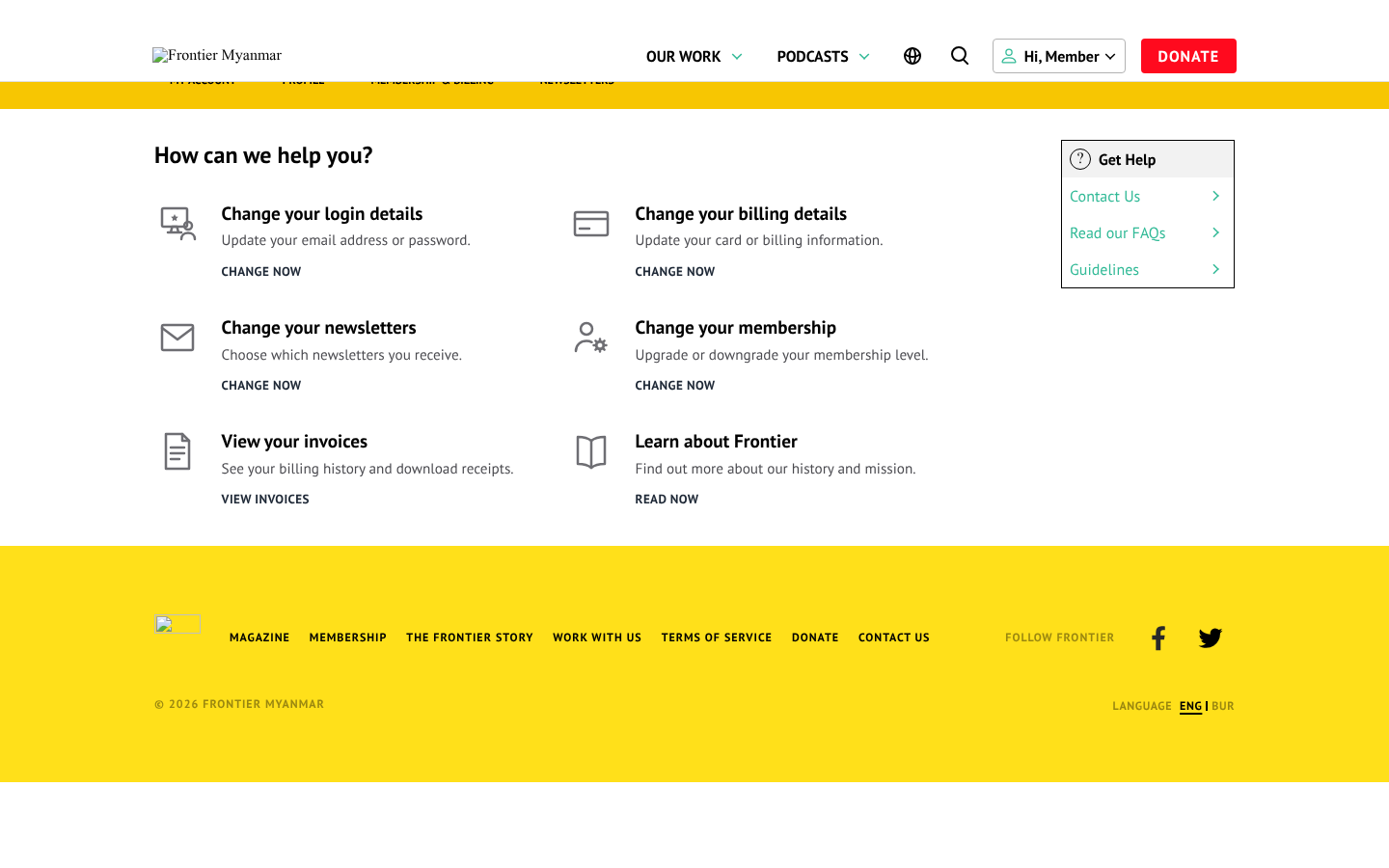
At the top of the hub
A box headed Your membership says what the member holds and where it stands.
| They see | What it means |
|---|---|
| Active | Paid up or granted. Nothing to do. |
| Auto-renews on a date | A card membership. The next payment is taken from the card that day. |
| Ends on a date and will not renew | A card membership that has been cancelled. It stays active until then. |
| Runs until a date | A grant with an end date. Nothing renews by itself. |
| Payment needs confirming | Their bank wants them to approve a renewal. See the confirm payment banner. |
| Payment problem | A renewal failed and the card is being retried. The box offers Update your card, and says until when their access is kept if FMS has given them a grace window. Update your card opens Stripe's portal, or for a member on Opn Payments the card form on FMS's billing page. |
| No membership yet or a free Community plan | They get See membership options. |
The line under the plan name says what kind of membership it is. For example Individual membership, Complimentary membership, Paid directly to Frontier, You are the admin of “Acme”, or A seat on the team plan “Acme”, managed by your team admin.
Gift memberships
A gift recipient sees Gift membership and the date the gift runs until. The box offers Continue as a member, which opens checkout with their plan chosen. Their first payment is taken on the day the gift ends, not the day they press the button. So they can continue early without paying twice.
When FMS cannot be reached
The box says We can't show your membership details right now and offers Try again. It never tells a member they have no membership just because FMS did not answer. Their access to articles carries on from the website's last check, for up to 24 hours by default (the outage setting). If it lasts, check Health.
The cards
| Card | Who sees it | Where it goes |
|---|---|---|
| Change your login details | Everyone | Their profile form |
| Change your billing details | Everyone | Members who pay by card: Stripe's portal, or FMS's billing page for members on Opn Payments. Greyed for everyone else. |
| Change your newsletters | Everyone | Their newsletter choices |
| Change your membership | Everyone | The pricing page, with their current plan marked |
| Manage your team | Team admins | The team page |
| Team invoice requests | Team admins | Paying by invoice |
| View your invoices | Everyone | Their payment history |
| Make a donation | Everyone, while Donations is ticked (Donations on or off) | The donation page |
| Learn about Frontier | Everyone | The home page |
A greyed billing card says why. No paid membership yet means a free member. Your seat is paid for by your team means a team seat. Complimentary or offline membership means a grant.
Members on Stripe manage their card, cancel and resume in Stripe's secure billing portal, as before. Members on Opn Payments have no such portal, so the card opens FMS's billing page for them instead. Since plugin 0.48.0.
Newsletters
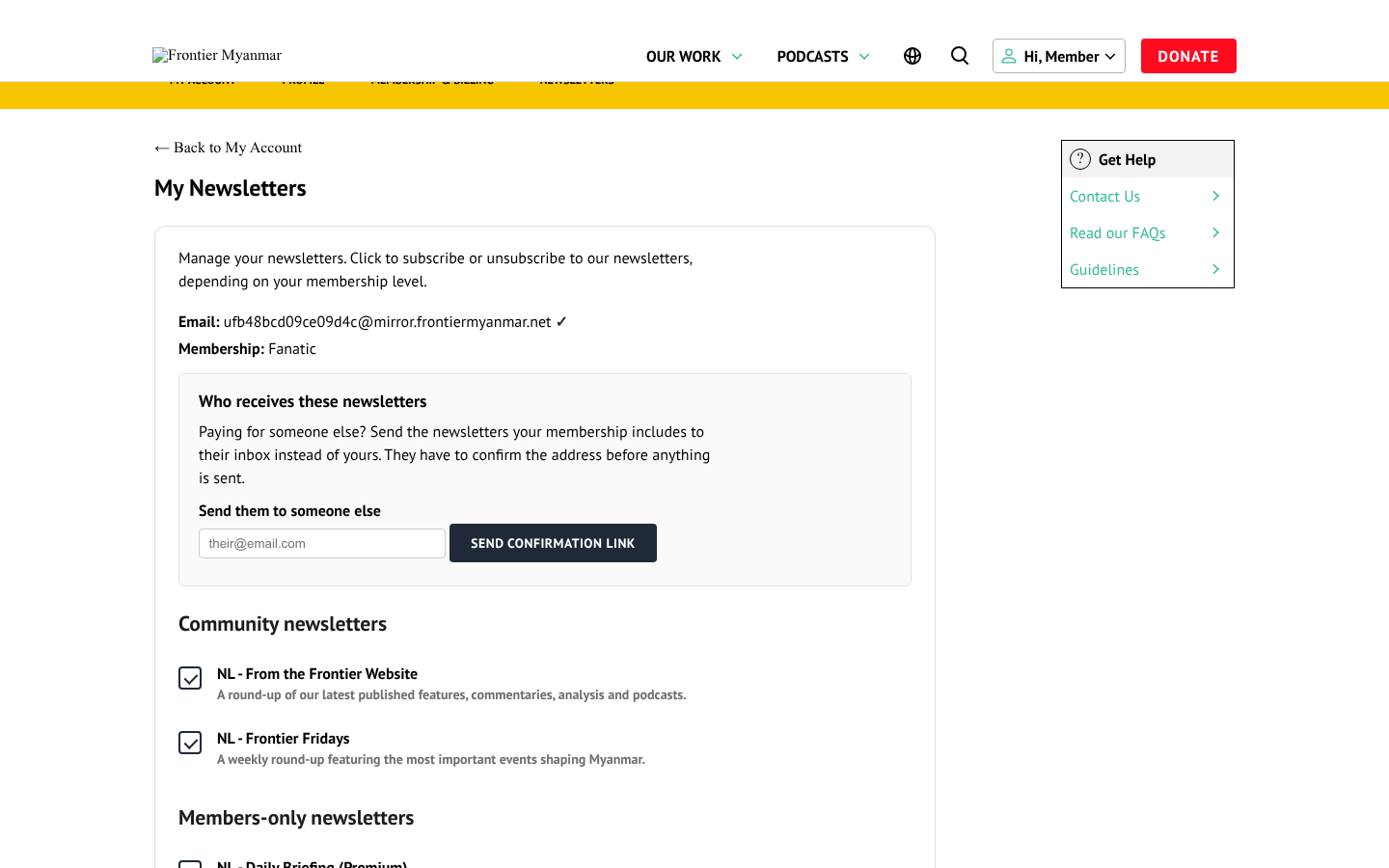
A member switching a newsletter off is final. Nothing FMS does later switches it back on — not even adding that newsletter to their plan. If a member says they still get something they turned off, check whether they turned off a different newsletter from the one they are receiving.
If they run a team
A team admin sees a choice at the top of the page: Make changes for — your account or the whole team. Their own account is the default, so editing their newsletters does not touch anybody else. Choosing the team mutes a newsletter for every seat, now and in future; a colleague cannot switch it back on, only the admin can. Newsletters somebody receives through their own free membership are personal and are never affected.
The newsletter archive
A card about the newsletter archive sits under the hub's cards and above the newsletter choices. Members whose plan includes it get Open the archive, and a Newsletter archive link in the account menu. When the website cannot reach FMS, the card says so and offers Try again. Everyone else sees what unlocks it.
Membership & Billing
The member's plan, their billing card, their invoices and the way to cancel, on one page. Members who pay by card see it too. Until September 2026 they were sent straight to Stripe instead, so they never saw the confirm payment banner on it.
Under Current membership the page lists the facts:
| They see | What it means |
|---|---|
| Member since a date | When their membership started, whatever kind it is. |
| Billing a price per year or per month | A card membership on Stripe and what it charges. |
| Billing By card — see your billing page for the amount | A card membership on Opn Payments. Its price can be in baht, so the billing page shows it. |
| Billing Paid for by your team | A team seat. The team admin pays. |
| Billing Complimentary, Paid directly to Frontier or A gift | A grant. Nothing is charged by card. |
| Next payment a date | The day the next payment is taken. |
| Ends on a date, it will not renew | A cancelled card membership, active until then. |
| Runs until a date | A grant or gift with an end date. |
No date is shown while a payment needs confirming or a renewal is being retried. The banner above carries the date that matters then. A free Community member reads Billing Free.
Under the facts is where the member changes level. With a Membership pricing page chosen, it is a Change your membership level button to that page. Without one, the levels are listed right here with Upgrade or Switch, and a switch asks for confirmation first.
For a card membership, the confirmation has a box the member must tick before Confirm & pay (or Confirm downgrade) works. It says the unused part of their current level is not refunded to their card. On an upgrade it is credited toward the new level, so they pay only the difference. On a downgrade it becomes credit that lowers their next invoice. The cheaper-level offer on the cancel page has the same box. Since plugin 0.46.0.
"I upgraded. Where is my refund for the old level?"
There is no refund. The unused time was taken off the upgrade price, so the member paid only the difference. That smaller amount is the upgrade payment in their invoice list.
The yellow menu's tab goes here too
The site's yellow account menu has a Membership & Billing tab. It follows whatever page is chosen in Member pages for Membership & Billing, so the tab, the hub's cards and this page always agree. Before plugin 0.42.0 the tab kept pointing at the old membership page.
Invoices
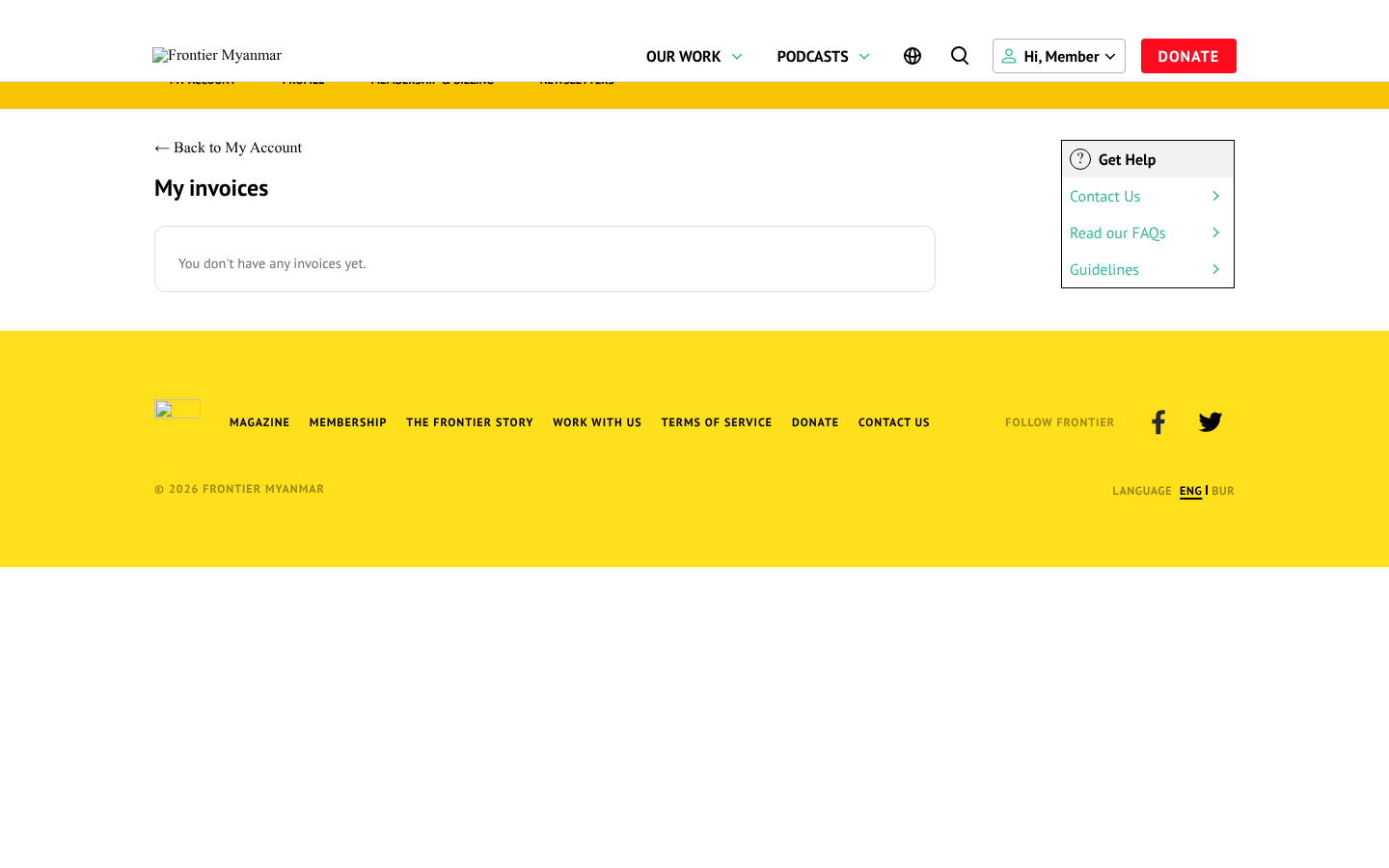
Read-only. It covers card payments, through Stripe or Opn Payments. A bank transfer recorded by staff does not appear here.
Each row has a Card column, such as Visa ending 4242, when FMS knows the card. Receipt opens Stripe's invoice page for a Stripe payment, or FMS's receipt page for an Opn payment. Since plugin 0.48.0.
Changing login details
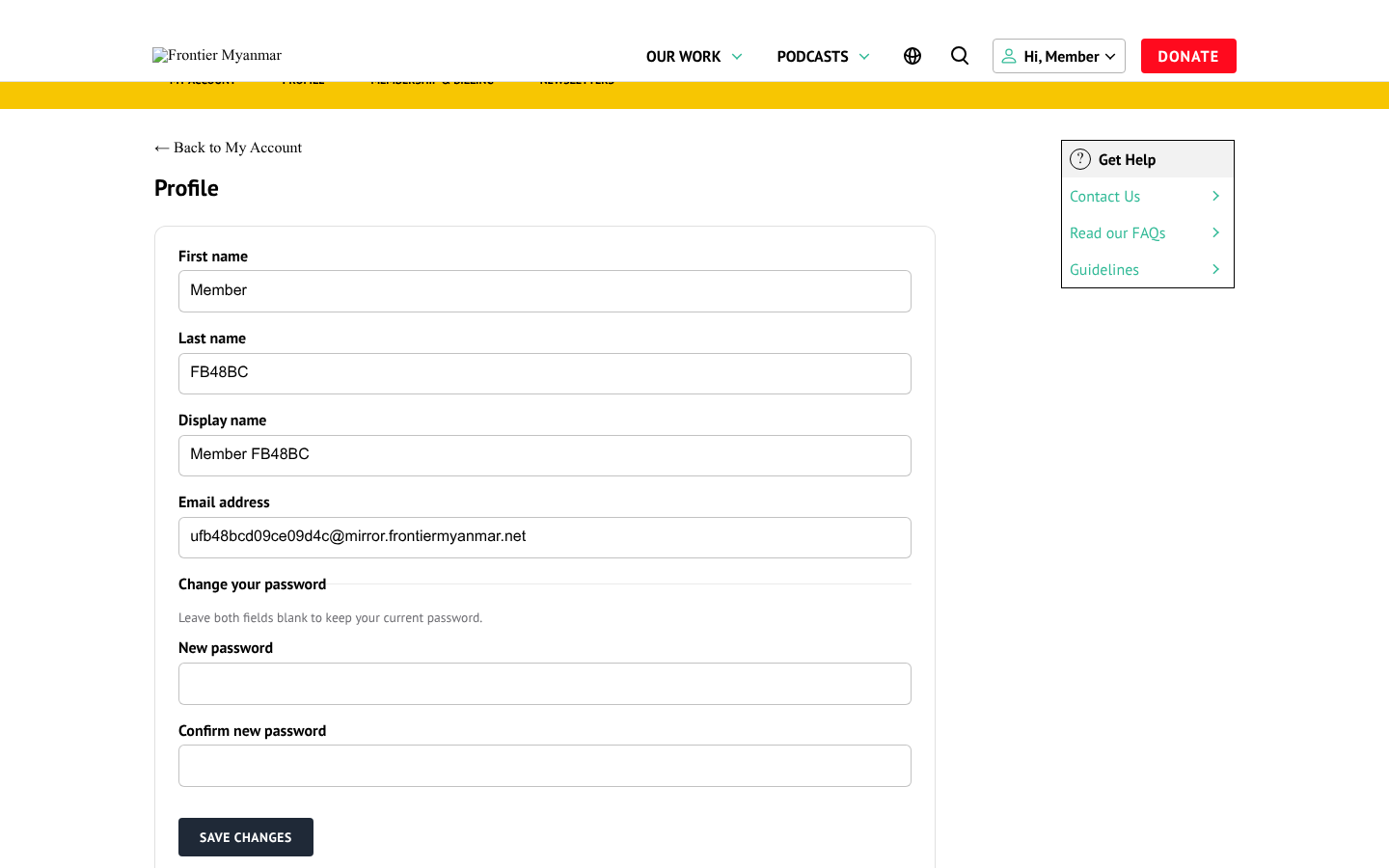
A member can change their own email. Doing so changes the address they sign in with, exactly like doing it from the admin side.
Cancelling
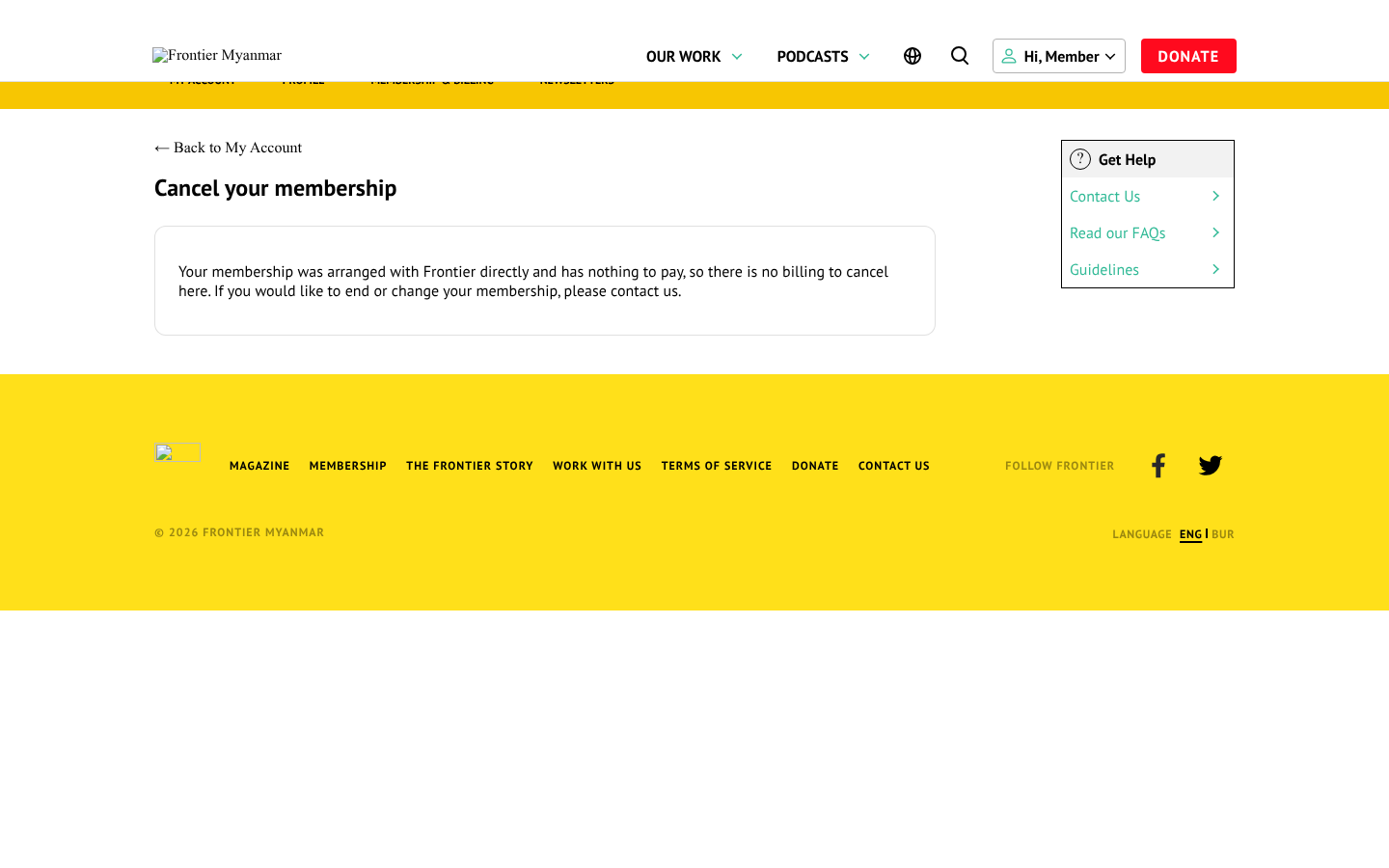
Members reach it from Membership & Billing. The old cancel page and the old Cancel my subscription link from before FMS both lead here too.
The rule: a cancelled membership ends at the end of the period the member has paid for. Then they become a free Community member, unless they have another membership. Since 14 October (plugin 0.48.1), for members on Stripe and on Opn Payments alike.
- The confirmation card says the date it ends. Nothing more is charged, and access stays until then.
- Until that date the cancel page shows Your membership ends on the date, with a Resume membership button that undoes the cancel.
- On that date the membership ends and the member is moved to free Community. Not if they still have another membership, such as a team seat, a second paid membership or free access from staff.
- A team admin ending their team plan is different: that ends the team straight away, and everyone on it keeps free Community access.
When the cancellation email is switched on, the member gets "Your membership is cancelled" on the day it ends (Emails members get).
Somebody on a team seat is told the name of their team and to ask their team admin. Only the team admin can change a team.
Why cancelling is not on the hub
The hub is the page members land on every time. A standing Cancel card there invites people to leave. It lives on Membership & Billing instead, behind I want to cancel my membership.