Discount codes
Codes live inside FMS, not in Stripe, so one code works across every payment account.
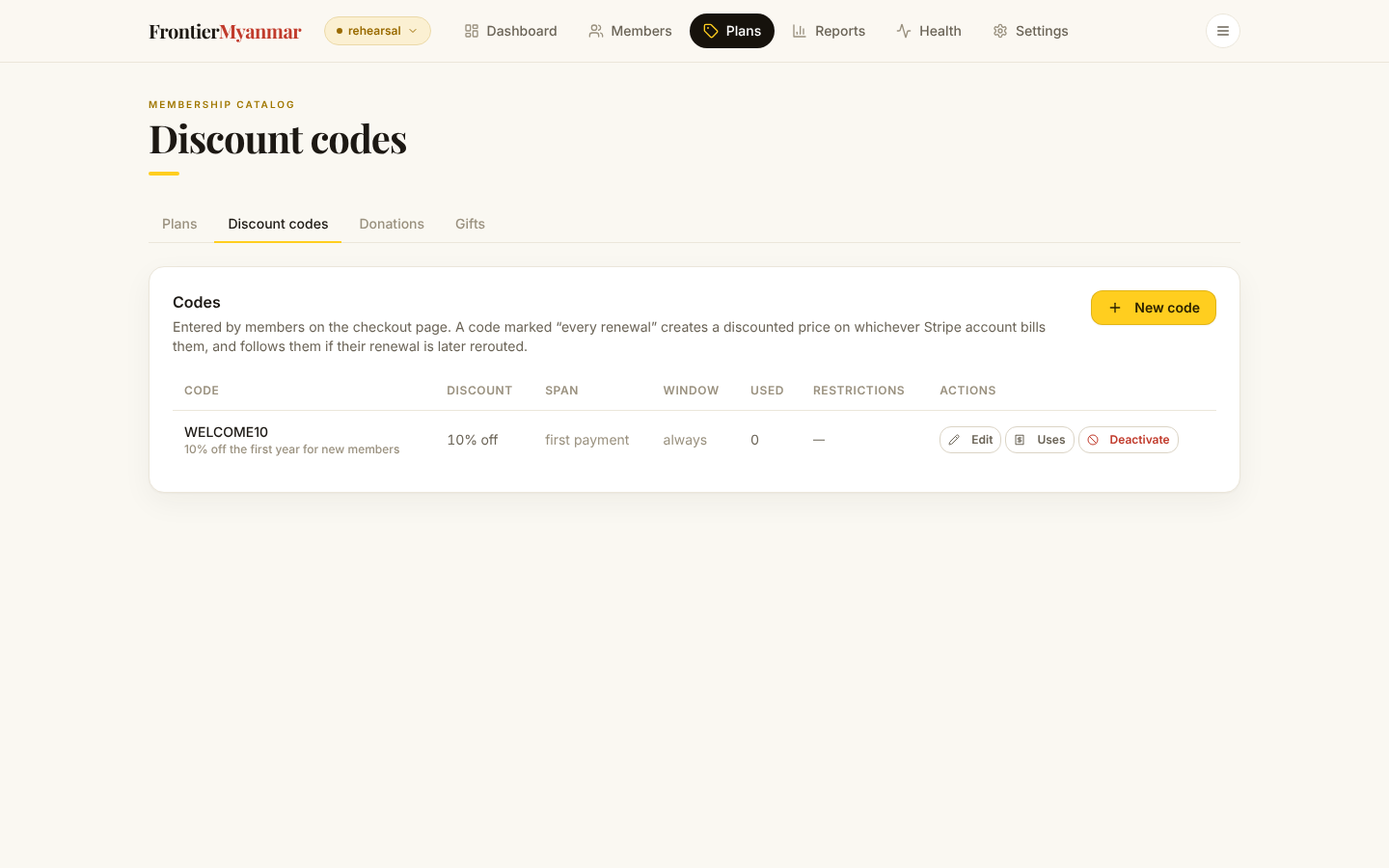
Create a code
- Press New code. Type the code members will enter (1), and a description for your own reference.
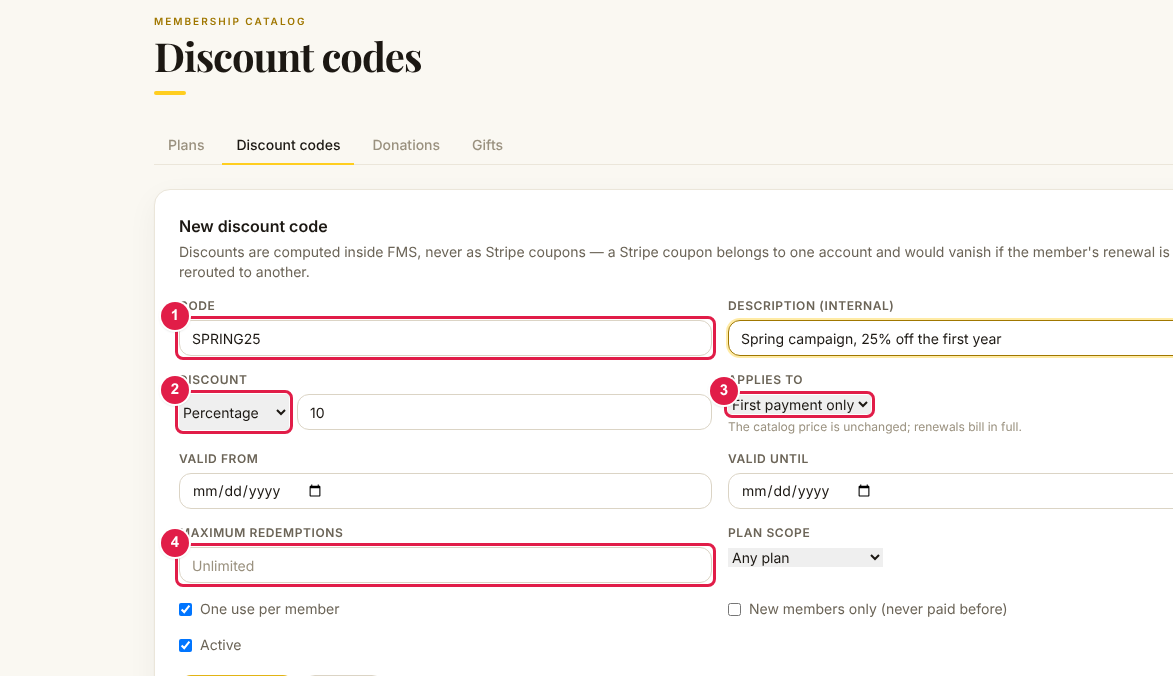
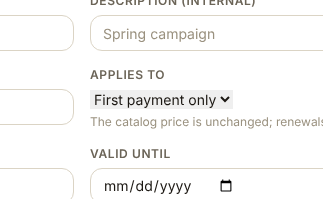
- Choose whether the discount applies once or on every renewal.
- Optionally set the dates it is valid between, a maximum number of redemptions, and which plans it applies to. Then save.
Once, or forever
This is the decision that matters.
| Span | What the member gets | Use it for |
|---|---|---|
| Once | Money off the first payment only. Renewals are full price. | Campaigns, launch offers. |
| Every renewal | The discounted price for as long as they stay. | Partner rates, staff rates. |
Pick the span carefully
An "every renewal" code is a permanent price change for everyone who redeems it. You cannot retroactively convert it to a one-off.
Redemption caps
Set Maximum redemptions and the code stops working after that many uses. The count is taken at the moment of redemption, so two people checking out at once cannot both take the last one.
Turning a code off
Codes are deactivated, never deleted, because past redemptions are part of the billing record. Deactivating stops new redemptions. It does not change anyone who already used it.
Seeing who used a code
Press Redemptions on the code's row for the list of accepted uses.