Logs
What the server has been doing. Useful for pinning down when something broke.
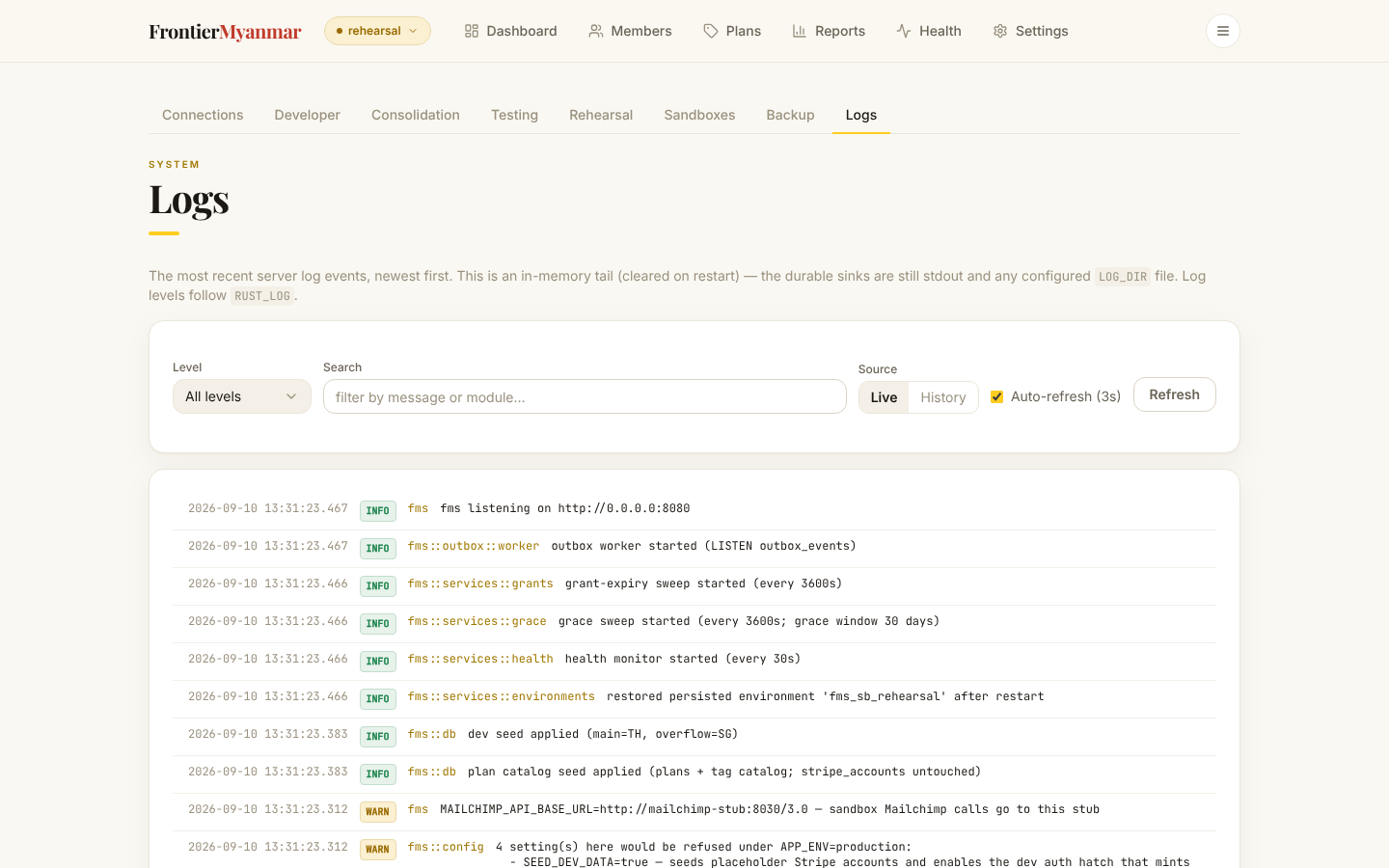
Filtering
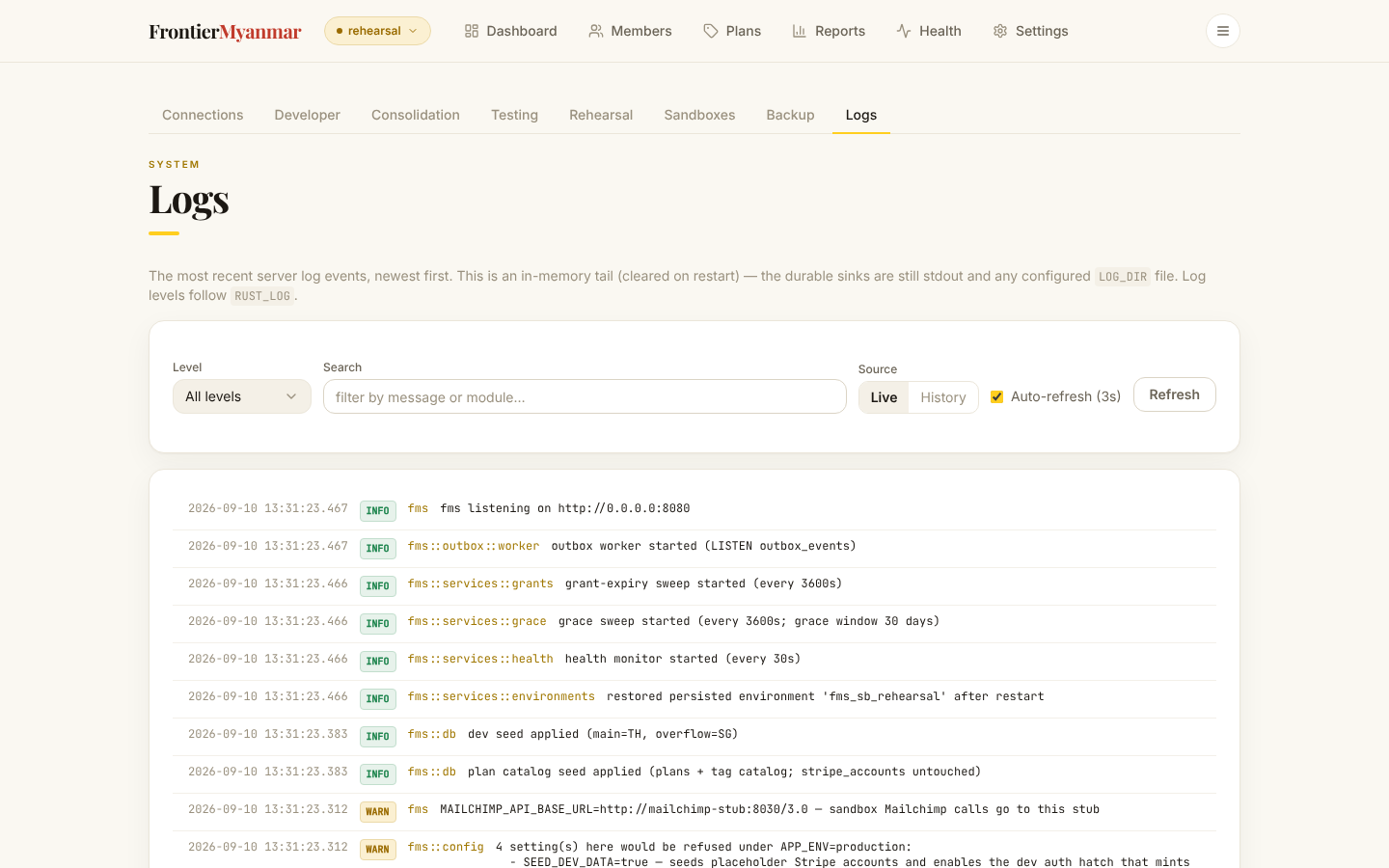
- Level — start at ERROR. Widen only if you find nothing.
- Search — type an email address or an identifier to follow one thing through.
- Live or History — Live is a short in-memory tail, cleared when the server restarts. History is the durable record.
- Auto-refresh ticks every three seconds. Turn it off when you are reading carefully.
What to do with what you find
Copy the timestamp and the message and give both to Thomas. Do not act on a log line on its own. Health and Dead letters tell you whether something is actually stuck.