Testing and rehearsal
Operator page, sandboxes only
In production this screen shows an explanation instead of any buttons. That is deliberate.
Where you plant realistic practice data and exercise the money-moving paths.
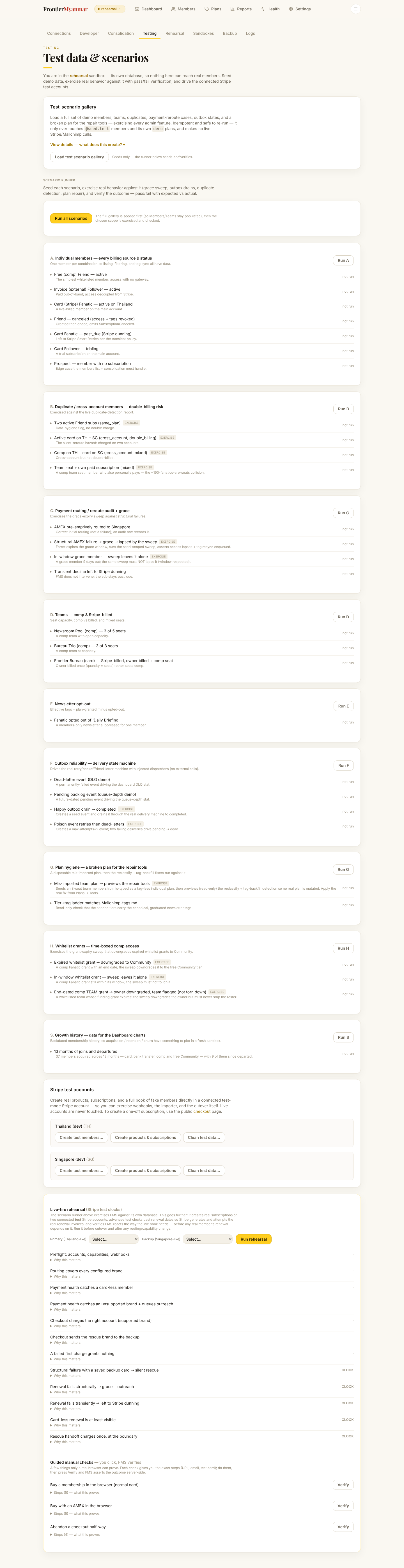
The scenario gallery
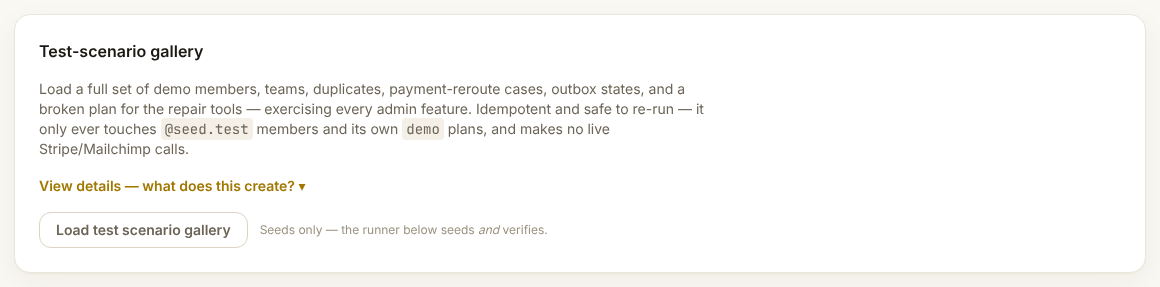
One button plants a full cast: members on every billing source and status, duplicate members across accounts, teams, newsletter opt-outs, broken plans for the repair tools, whitelist grants, and thirteen months of history so the dashboard charts have something to draw.
It replaces the existing practice data
Anything previously seeded is wiped and replanted. Real members are untouched, but do not run it while somebody else is mid-demo.
The scenario runner
Runs each scenario and checks the result against what should have happened. Green means the system still behaves correctly. Use it after upgrades.
Stripe test tools
Per connected test account: create a cohort of fake members, create products and subscriptions, and clean it all up afterwards. Each one previews what it will touch before it runs.
Live-fire rehearsal
Drives real Stripe test-clock renewals so you can watch a renewal happen in minutes rather than a month. Test mode only. It exists to prove the wiring, not to be run casually.
Migration rehearsal
There is a separate Rehearsal tab, a checklist that walks the whole cutover from a copy of the live site. Most people will never open it. The one-page description lives in the repository at docs/migration-runbooks/local-rehearsal.md.